
A Guide to Using a Ripple Block Explorer
Master the XRP Ledger with our guide to using a Ripple block explorer. Learn how to track transactions, follow smart money, and find actionable trading signals.
Think of a Ripple block explorer as a powerful search engine for the XRP Ledger (XRPL). It's your transparent window into every transaction, account, and event on the network, making the complex, decentralized world of the XRPL searchable and understandable for anyone.
Your Window into the XRP Ledger
Imagine the XRP Ledger as an enormous, public digital book where every financial entry is permanent. A Ripple block explorer is the tool that lets you read that book. Instead of raw code, an explorer organizes ledger data into a clean, human-readable format. This allows everyone—from seasoned traders to curious newcomers—to track funds, verify payments, and check the network's health without needing to be a coding wizard.
At its heart, an explorer gives you a real-time feed of on-chain activity. Every payment, token swap, and new account created on the XRPL is a public record. The explorer indexes this data so you can pinpoint specific details using a few key identifiers.
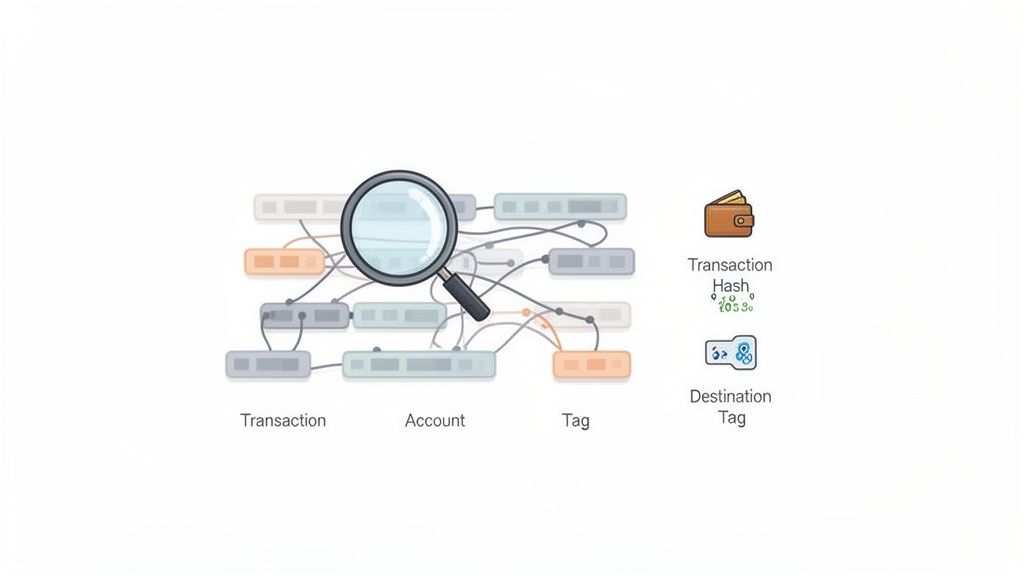
Key Terms You Need to Know
To get the most out of a Ripple block explorer, you’ll encounter a few core terms. Mastering these is the first step to analyzing on-chain data like a pro.
- Account Address: The public ID for an XRPL wallet, always starting with an 'r' (e.g.,
rP1...xyz). It functions like a bank account number for sending and receiving funds. - Transaction Hash (Tx Hash): A unique string of characters that acts as a digital receipt for a specific transaction. Searching this hash reveals every detail of that event.
- Destination Tag: An optional number used to route funds to the correct individual within a shared wallet, commonly used by centralized exchanges to ensure your deposit is credited to your account.
As XRP grew into a major digital asset, specialized explorers like XRPSCAN and Bithomp emerged. These tools are built for the XRP Ledger’s unique architecture, which has reliably processed over 2.8 billion transactions since its launch in 2012. You can dig into more stats on XRP’s market performance on CoinGecko. These explorers provide a mission control-style dashboard to monitor everything happening on the network.
Core Ripple Block Explorer Features for Traders
A block explorer is more than a lookup tool; it's a source of market intelligence. Here’s how its core features translate into actionable insights for traders.
Start tracking smart money today
Join thousands of traders using WalletFinder.ai to find profitable wallets and copy their trades.
Start Free Trial →

