
Ripple Address Lookup: A Trader's On-Chain Data Guide
Master the Ripple address lookup. This guide shows how to read XRP balances, transactions, and memos for advanced on-chain analysis and smarter trading.
You’re probably doing this already. A large XRP transfer shows up, you paste the address into XRPSCAN or Bithomp, you confirm the balance, skim the latest transactions, and move on.
That’s fine for checking whether funds moved. It’s weak if you’re trading.
A ripple address lookup is more than a wallet search. It’s the entry point into wallet behavior, exchange routing, trust line activity, DEX intent, and wallet risk. On the XRP Ledger, the traders who only look at balances see snapshots. The traders who read address history properly see positioning.
Beyond Basic Balance Checks An Introduction
The XRP Ledger isn’t a small niche chain. It hosts 7,414,131 wallet addresses and a total supply of approximately 99.99 billion XRP tokens, according to XRPL rich list data. That scale is why basic wallet search alone stops being useful fast. There are too many addresses, too much movement, and too much noise to treat every lookup as equal.
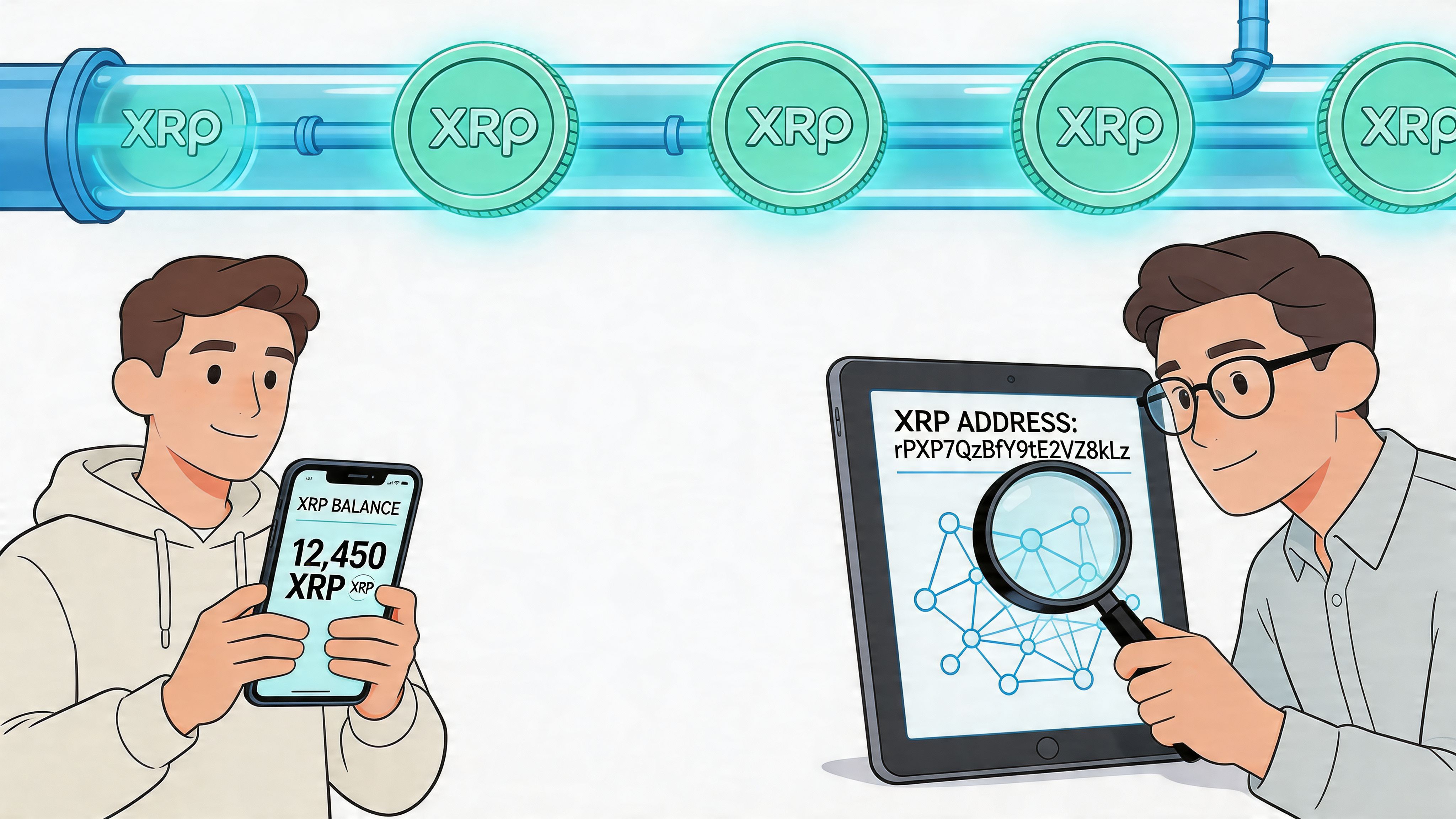
What traders miss in a simple lookup
An address lookup is typically employed for one of four reasons:
- Balance verification to confirm funds are present
- Transaction checking to see whether a payment landed
- Exchange troubleshooting to inspect tags and transfers
- Basic curiosity about a whale wallet or public address
Useful, but incomplete.
A serious trader treats the address page as the first filter, not the last answer. The balance tells you what’s there now. The transaction trail shows you how the wallet behaves. That difference matters because two wallets with the same XRP balance can have very different profiles. One may be dormant. Another may be routing through exchanges, setting trust lines, or posting on-ledger offers.
Practical rule: Never judge an XRP wallet by its current balance alone. The history matters more than the snapshot.
What a good ripple address lookup should tell you
A productive lookup should help you answer questions like these:
- Is this wallet active or just funded?
- Does it interact like a trader, a payment account, or a cold wallet?
- Are transfers clustered around exchange flows?
- Does it use destination tags in ways that suggest custodial routing?
- Is it safe to track, or is it structurally risky?
That’s where most traders hit the ceiling with standard explorers. They show records. They don’t interpret them for trading.
The shift from wallet search to on-chain intelligence
On XRPL, transparent ledger data gives you a real edge if you know what to pull from it. You can compare wallets, spot repeated counterparties, watch transaction types change over time, and identify whether a wallet is accumulating, distributing, routing, or just sitting idle.
The jump in skill is simple. Stop asking, “What’s the balance?” Start asking, “What is this wallet doing?”
That’s the mindset behind every strong ripple address lookup workflow.
Your Essential Toolkit for XRP Address Lookups
If you’re doing manual research, start with explorers. They’re still the fastest way to triage an address before you decide whether it deserves deeper analysis.
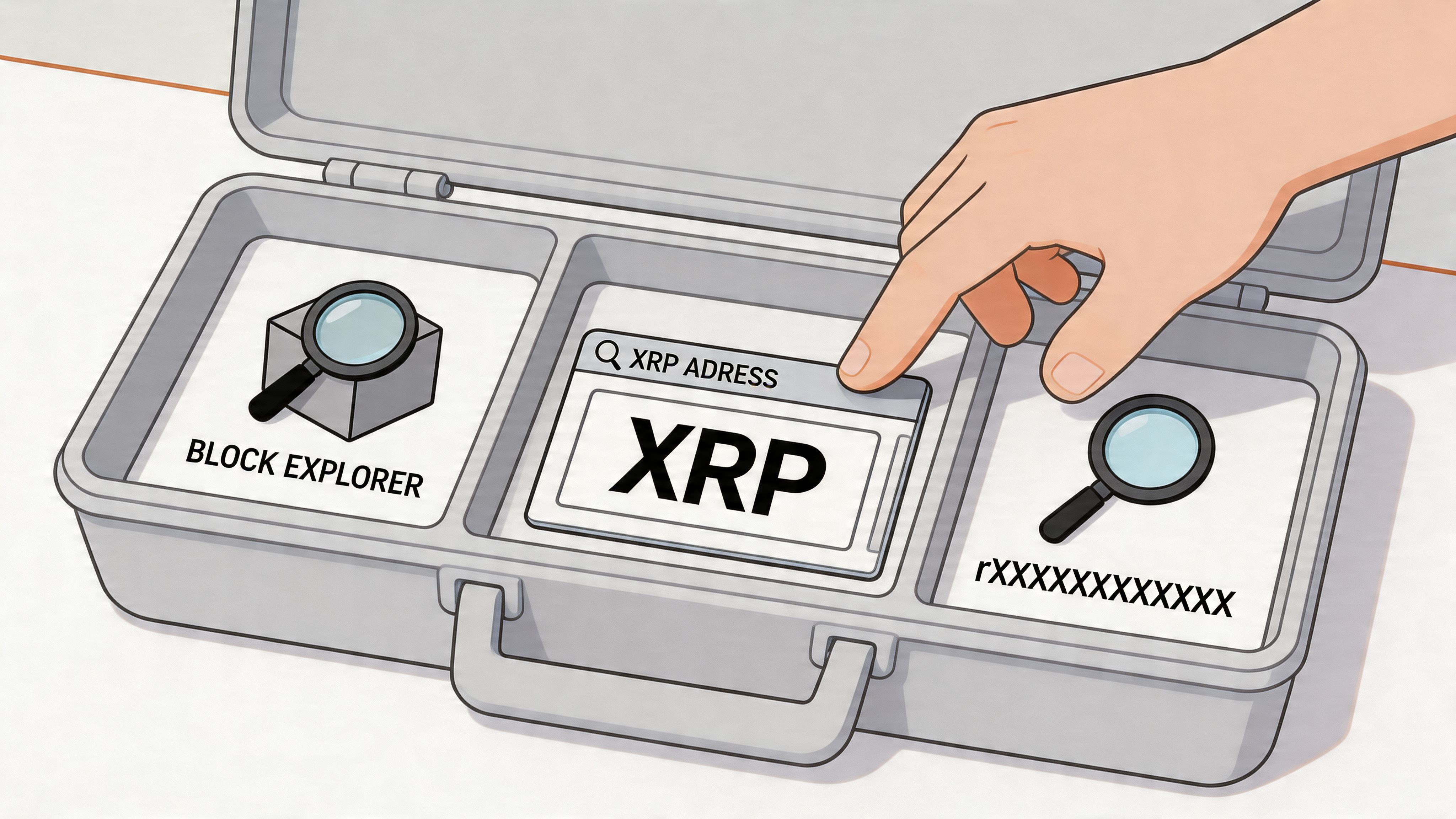
The three tools most traders open first
The usual stack is:
- XRPSCAN for broad account and transaction visibility
- Bithomp for readable wallet views and XRPL account context
- CoinTracker for a simplified XRP wallet lookup experience, especially when you want a quick summary rather than a deep ledger read
Each has a place. None replaces actual analysis.
XRPSCAN is usually where experienced traders begin because it exposes a lot of account detail quickly. Bithomp often makes account behavior easier to scan at a glance. CoinTracker is useful as a reference point for standard wallet visibility, but it doesn’t give you the higher-order trader metrics you’d want for conviction.
What to read on the address page first
When you open an XRP wallet page, don’t start with the transaction list. Start with the summary panel.
Look for these items first:
Current XRP balance
This is only a starting point. Use it to decide whether the wallet is large enough to matter to your strategy.Last activity
A wallet that moved recently deserves more attention than one that hasn’t done anything meaningful in a long time.Account status and setup details
Account creation context can hint at whether the wallet was created for active use, operational routing, or long-term holding.Flags or labels
Some explorers identify exchange-associated wallets, service wallets, or unusual account states. Treat labels as hints, not gospel.
A fast triage workflow
Here’s a practical sequence that works:
- Paste the address into XRPSCAN or Bithomp
- Check whether the wallet is active
- Scan the most recent counterparties
- Look for repeated exchange interactions
- Open the transaction history only if the summary suggests something interesting
This saves time. Many wallets look important because of a large balance but do nothing useful from a trading perspective.
An address with frequent, purposeful activity is often more informative than a larger wallet that never changes state.
What each interface element means in practice
A few examples make this clearer.
If the wallet has a healthy balance but sparse history, it may be storage rather than execution. If the wallet has a moderate balance but dense transaction patterns, repeated exchange links, and non-payment transaction types, it may be far more valuable to track.
If you see destination tags repeatedly, that often points to exchange or custodial flows. If you see trust line activity mixed with offers and payments, you’re looking at a wallet that may be doing more than simple transfers.
What explorers do well and where they stop
Explorers are strong at:
- Showing balances
- Listing transactions
- Verifying destination tags
- Surfacing raw account history
They’re weak at:
- Ranking wallets by trading quality
- Showing profitability
- Separating smart activity from random activity
- Warning you when a wallet is structurally bad to mirror
That’s the core limitation. A block explorer is a microscope, not a trading model. It shows details. It doesn’t tell you whether the wallet is worth following.
A good manual habit
Keep a simple research note for each address you inspect. Not a spreadsheet full of vanity fields. Just a short operational log:
| Check | What to note |
|---|---|
| Balance | Large enough to matter or not |
| Recency | Active now, sporadic, or dormant |
| Flow pattern | Exchange-heavy, peer-to-peer, mixed |
| Transaction mix | Payments only or broader XRPL usage |
| Follow-up | Ignore, watchlist, deeper analysis |
Start tracking smart money today
Join thousands of traders using WalletFinder.ai to find profitable wallets and copy their trades.
Start Free Trial →

