
How to Send Funds From Coinbase The Smart Way
Learn how to send funds from Coinbase to any wallet, exchange, or bank. Our guide covers security, fees, and tracking for savvy crypto traders in 2026.
Knowing how to move your crypto off an exchange is one of the most important skills you can learn. The good news is that learning how to send funds from Coinbase is a straightforward process once you know the rules.
This guide provides an actionable walkthrough of every step. You will learn how to:
- Choose the correct platform for your transfer (Coinbase.com vs. Coinbase Wallet).
- Set up crucial security features to protect your funds.
- Send crypto to an external wallet or another exchange.
- Cash out funds to your bank account.
- Track your transaction and understand the fees involved.
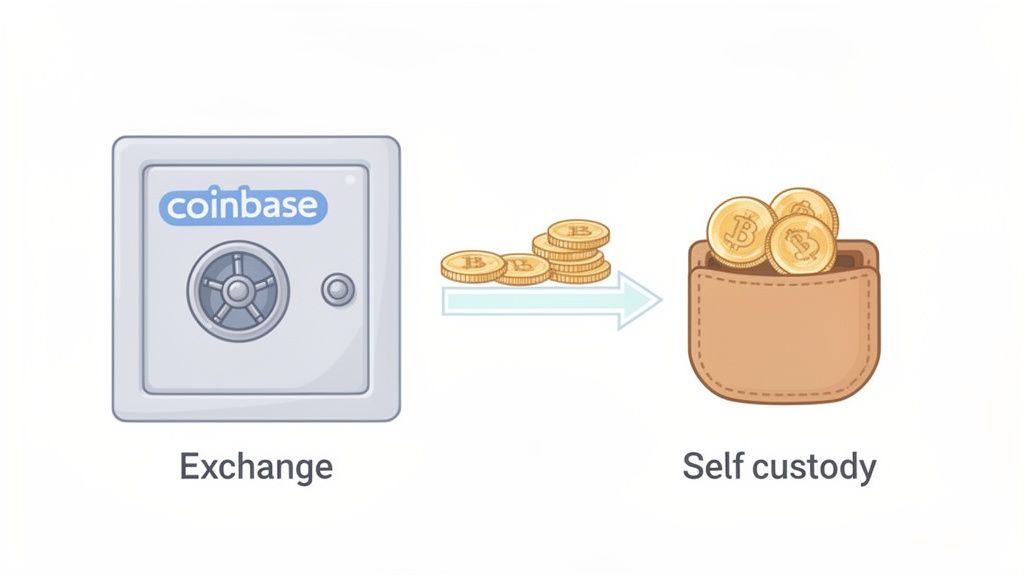
Sending Funds From Coinbase: A Quick Overview
Before hitting "Send," you must understand the difference between your main Coinbase account and the separate Coinbase Wallet app. Mixing them up is a common mistake that leads to confusion and failed transfers.
- Coinbase.com (Custodial Exchange): Think of this as your crypto bank. Coinbase holds and secures your assets for you. It's designed for easily buying, selling, and converting crypto to cash.
- Coinbase Wallet (Self-Custody Wallet): Think of this as your digital cash pocket. You hold the private keys and have full control. It's your gateway to interacting with DeFi, NFTs, and decentralized applications (dApps).
Coinbase vs. Coinbase Wallet Key Differences for Sending Funds
Choosing the right platform is the first step to a successful transfer. Your starting point depends entirely on your goal. This table breaks down which platform to use for which action.
| Feature | Coinbase (Exchange) | Coinbase Wallet (Self-Custody) |
|---|---|---|
| Primary Use Case | Buying, selling, and converting crypto to fiat (cash). | Interacting with dApps, storing NFTs, and managing self-owned assets. |
| Who Controls Funds | Coinbase holds and secures your assets for you. | You have sole control via a private key or seed phrase. |
| Best For Sending To | Bank accounts (cashing out), other centralized exchanges. | DeFi protocols, other self-custody wallets (e.g., MetaMask), dApp interactions. |
| Security Model | Relies on Coinbase's security and your account login/2FA. | Your responsibility; secured by your secret recovery phrase. |
Start tracking smart money today
Join thousands of traders using WalletFinder.ai to find profitable wallets and copy their trades.
Start Free Trial →

