
Transfer from Coinbase Wallet to Coinbase Guide
Learn how to securely transfer from Coinbase Wallet to Coinbase. Our guide covers networks, fees, and tips for a smooth crypto transfer.
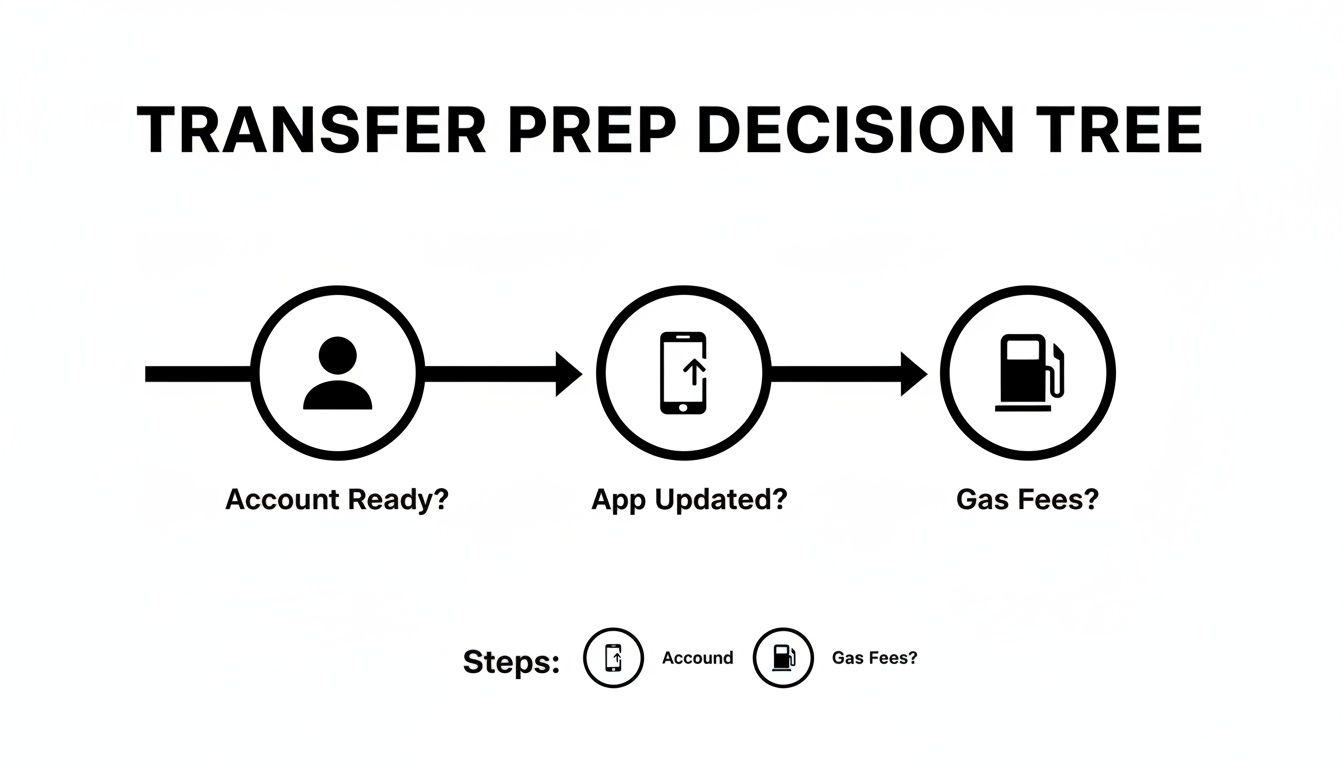
Before hitting "send," let's run a quick pre-flight check. A few minutes of prep is the secret to a stress-free transfer from your Coinbase Wallet to your main Coinbase account, saving you from the headache of stuck funds or failed transactions.
Your Pre-Transfer Checklist
First, open your main Coinbase account. Ensure it's fully verified and ready to accept incoming crypto. A new or restricted account could get your deposit flagged or stuck in limbo. A quick check of your account status confirms you're good to go.
Keep Your Wallet App Updated
Next, check your Coinbase Wallet app. Is it the latest version? Developers constantly push updates with crucial security patches and bug fixes. An outdated app can cause compatibility issues or show incorrect fee estimates. It takes less than a minute to check your app store for an update—don't skip this step.
The Most Common Sticking Point: Gas Fees
This is the big one. The #1 reason transfers fail is not having enough of the network's native crypto to pay for gas fees. Every blockchain transaction has a network fee (gas), which must be paid in that network's native currency.
Crucial Point: You cannot pay for an Ethereum transaction with the USDC you're sending. The gas fee must be paid in ETH. This rule applies to every blockchain.
Before you do anything else, ensure your wallet has a small amount of the correct gas token:
- Ethereum Network (or ERC-20 tokens): You need ETH.
- Polygon Network: You need MATIC.
- Base Network: You need ETH (on the Base network).
- Solana Network: You need SOL.
Usually, a few dollars' worth is enough for a simple transfer.
Selecting The Right Network And Deposit Address
This is the part with zero room for error. Sending crypto on the wrong network is the fastest way to lose it forever. This is the single most important step when you transfer from Coinbase Wallet to Coinbase.
For example, USDC can exist on multiple blockchains like Ethereum, Base, or Polygon. You must identify which network your USDC is on inside your Wallet and then generate a matching deposit address on your main Coinbase account.
If your USDC is on the Polygon network in your Wallet, you must select the Polygon network on Coinbase when getting your deposit address. Any mismatch here, and your funds are likely gone for good.
How to Pinpoint Your Network and Address
First, open your main Coinbase account (the app or website, not the Wallet). Find the crypto asset you want to receive and tap "Receive." Coinbase will ask you to select a network.
- Check Your Wallet First: In your Coinbase Wallet app, look at the asset you want to send. The app will clearly label which network it's on (e.g., "Ethereum Network," "Base Network").
- Match It in Coinbase: Go back to your main Coinbase account and pick that exact same network from the dropdown list.
- Get Your Address: Coinbase will generate a unique deposit address for that asset on that specific network.
Start tracking smart money today
Join thousands of traders using WalletFinder.ai to find profitable wallets and copy their trades.
Start Free Trial →

