
Link Coinbase to Coinbase Wallet
Learn how to link Coinbase to Coinbase Wallet on mobile and desktop. Our guide provides clear steps and troubleshooting tips for instant crypto transfers.
Connecting your Coinbase.com account to your Coinbase Wallet is one of the simplest and most powerful moves you can make. It creates a direct, secure pipeline between the exchange where you buy crypto and the self-custody wallet where you explore DeFi, dApps, and NFTs.
Think of it as building a private, high-speed bridge. This link eliminates the tedious and stressful process of manually copying and pasting long wallet addresses. One wrong character in a manual transfer, and your crypto could be lost forever. Linking your accounts removes that risk entirely.
Why Link Your Coinbase Accounts?
Before we dive into the "how," let's quickly cover the "why." Your Coinbase.com account and your Coinbase Wallet are two separate tools designed for very different jobs. Understanding this is key to managing your assets effectively.
The main Coinbase platform is a custodial exchange, meaning Coinbase secures your private keys for you. It's fantastic for easily buying, selling, and trading crypto with traditional currency. In contrast, the Coinbase Wallet is a self-custody (or non-custodial) wallet. You control the private keys, granting you full ownership and direct access to the decentralized web.
Linking them transforms your exchange into an instant on-ramp for your DeFi adventures.
Coinbase Exchange vs. Coinbase Wallet
To make it crystal clear, here’s a breakdown of the core differences between the two platforms.
FeatureCoinbase.com Account (Exchange)Coinbase Wallet (Self-Custody)Control of KeysCustodial (Coinbase manages them for you)Non-custodial (You own and control them)Primary UseBuying & selling crypto with fiat (USD, EUR, etc.)Interacting with dApps, DeFi, and NFTsSecurityProtected by Coinbase account security (password, 2FA)Your responsibility (via a 12-word recovery phrase)Asset AccessSupports assets listed on the Coinbase exchangeSupports thousands of tokens on multiple networks
The exchange is your gateway into the crypto world; the wallet is your passport to explore it. Linking them makes moving between these two worlds seamless.
What the API Permission Actually Allows: Understanding the Link Scope
When you link your Coinbase exchange account to Coinbase Wallet, you're granting the wallet app specific API permissions to interact with your exchange account. Most guides say this creates a "secure connection" and leave it at that, which doesn't tell you anything about what the wallet can actually do once connected. Understanding the exact permission scope is essential for evaluating the security tradeoff you're making in exchange for convenience.
The primary permission the link grants is read access to your exchange balances and write access to initiate withdrawals from exchange to wallet. In plain language, the wallet can see how much of each asset you hold on the exchange, and it can create withdrawal transactions that move those assets from the exchange to the wallet address you control. This is the core functionality that enables the "transfer from Coinbase" feature inside the wallet app.
What the link explicitly cannot do is equally important. The API permission does not allow the wallet to initiate trades on the exchange, modify your exchange account settings, or access your Coinbase password or two-factor authentication codes. The wallet also cannot push funds back from your wallet to your exchange account through the link — that direction requires a manual deposit using your exchange deposit address, same as depositing from any external wallet.
The Data Sharing Reality
Beyond transaction capabilities, the link also shares certain metadata between the two platforms. Your Coinbase Wallet app can see your recent transaction history on the exchange specifically for the assets you choose to transfer, which helps the wallet display accurate "available balance" information when you're pulling funds. This history access is read-only and limited to transactions relevant to the withdrawal functionality.
The connection also shares your account authentication state during the initial linking process and when refreshing the connection if it expires. This is how the wallet knows you're authorized to pull funds without requiring you to re-enter your password every single time. The authentication token the wallet stores is time-limited and can be revoked from your exchange account settings at any point.
What doesn't get shared is anything related to your wallet's activity. The exchange doesn't receive information about which dApps you connect to, what transactions you make with your wallet, or which tokens you interact with in DeFi. The data flow is one-directional: exchange to wallet for withdrawal purposes only. Your wallet's privacy and activity remain separate from your exchange account.
The Security Tradeoff Calculation
Granting these permissions creates a larger attack surface than keeping the two accounts completely isolated. If someone compromises your Coinbase exchange account credentials — through phishing, password reuse, or any other method — they can use the linked connection to drain your exchange balance to any Coinbase Wallet address. They can't steal your wallet's existing funds because they don't have your wallet's recovery phrase, but they can empty the exchange side through the link.
The defensive measure is ensuring your exchange account has extremely strong security: a unique password, authenticator app-based 2FA (not SMS), and ideally a hardware security key. The link amplifies the importance of exchange security because now it's protecting not just your exchange holdings but also the gateway to move those holdings into your wallet.
The convenience benefit is significant — eliminating manual address copying removes a huge error vector and saves time. Whether that benefit outweighs the expanded attack surface depends on your security posture and how you use the connection. For users who already maintain strong exchange security, the added risk is minimal. For users with weak exchange security, the link exposes them to additional theft vectors they might not have considered.
A Faster, Safer Workflow
The biggest benefits of linking your accounts are speed and security. Let's be honest, manually copying a 42-character wallet address is nerve-wracking. The direct link establishes a verified connection, completely removing the risk of sending funds to the wrong address.
When Coinbase introduced this feature, it was a massive quality-of-life improvement. Before, moving funds was a clunky, multi-step process. According to company data from the launch, user-reported transfer errors dropped by an estimated 40% after the feature went live. You can read more about the initial rollout on the official Coinbase blog.
The Real-World Advantage
So, what does this look like in practice? Imagine a popular NFT is about to mint, or you spot a high-yield staking opportunity that won't last long. Time is critical.
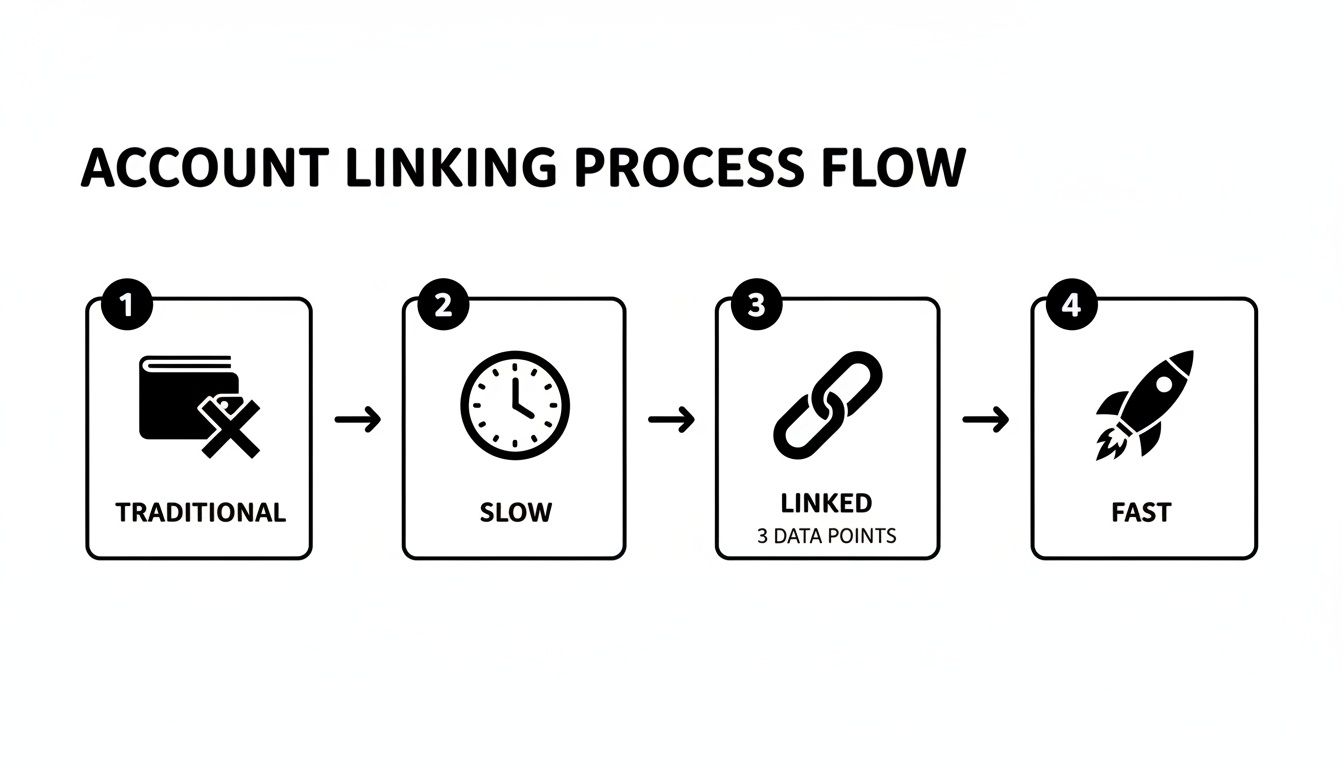
- The Old Way: Log into Coinbase.com, find your crypto, initiate a withdrawal, open your wallet app, copy the address, paste it back into Coinbase, double-check every character, and then wait for the transaction to confirm on the blockchain. By the time your funds arrive, the opportunity may be gone.
- The Linked Way: Inside your Coinbase Wallet, tap "Add funds" and transfer directly from your Coinbase account. The crypto appears in your wallet almost instantly, ready for action.
It's the difference between being a spectator and a participant in a market that moves at the speed of light.
How to Link on the Mobile App
For users managing crypto on the go, linking your Coinbase.com account via the Coinbase Wallet mobile app is a game-changer. The process is simple and works almost identically on both iOS and Android, turning your phone into a streamlined crypto command center.
This connection establishes a secure API link, authorizing your Wallet to "pull" funds from your Coinbase account. Your private keys never leave your device, and your Coinbase.com password is not stored in the wallet.
Step-by-Step Connection Guide
Before you start, ensure both your main Coinbase app and the Coinbase Wallet app are updated to the latest version. An outdated app is the most common cause of connection issues.
- Open the Coinbase Wallet mobile app.
- Tap the Settings icon (gear symbol) in the bottom-right corner.
- Select the Connect to Coinbase option.
- You will be prompted to sign in with your Coinbase.com credentials to authorize the connection.
- Complete any two-factor authentication (2FA) steps required.
This simple authorization transforms a clunky, multi-step process into an efficient one.
Start tracking smart money today
Join thousands of traders using WalletFinder.ai to find profitable wallets and copy their trades.
Start Free Trial →

