
Guide to the SX Bot Discord
Unlock your trading edge with our guide to the SX Bot Discord. Learn to set up, configure, and use the bot for real-time crypto and DeFi trading signals.
For crypto traders, getting information a few seconds before everyone else can be the difference between a winning trade and a missed opportunity. The SX Bot for Discord is built for exactly that, feeding real-time on-chain data and betting odds straight into your server.
It’s your inside source for token listings, major wallet transactions, and sudden market shifts—all delivered instantly.
What Is The SX Bot and How Do Traders Use It
Think of the SX Bot as more than just a notification tool. It’s a strategic part of your trading toolkit, especially if you're active in DeFi, crypto trading, or on-chain sports betting. It bridges the gap between raw blockchain data and the collaborative space of your Discord.
The crypto market never sleeps, and the best opportunities don't wait. The SX Bot is your 24/7 market watcher, scanning the blockchain for the specific events you tell it to. This means you can actually step away from the screen without worrying about missing a massive pump or a new token launch.
The Core Purpose of the SX Bot
At its heart, the SX Bot is all about giving you a competitive edge through speed. It automates the tedious work of watching blockchains and betting markets for those high-value moments that signal a potential trade.
Here’s a breakdown of what traders actually use it for:
- New Token Listings: Get an immediate heads-up when a new coin hits a decentralized exchange (DEX), putting you in a position to be one of the first to analyze it.
- Whale Transactions: Keep an eye on the big players. The bot alerts you when a large wallet makes a significant buy or sell, which often precedes a price swing.
- Sports Betting Odds: Pull real-time odds from the SX Network directly into Discord. It’s perfect for spotting value in sports and even political betting markets.
- Smart Money Movements: Follow the trades of wallets with a proven track record of profitability. See what they’re buying and selling in real-time.
With these alerts, your Discord server transforms from a chat room into a dynamic command center for your trading.
Why This Tool Is Crucial in a Fast-Moving Market
Using bots to pull in and filter data is becoming standard practice on Discord. In fact, projections show that 30 million users will be interacting with AI-driven apps on the platform by early 2026. Tools like the SX Bot Discord are a key part of this trend, serving the very specific needs of traders. It’s similar to how on-chain analysis platforms highlight top wallet trades, cutting through the noise to deliver actionable signals. You can read more about the rise of Discord's bot ecosystem and its impact on platforms like Analyzify.
Key Takeaway: The real value of the SX Bot isn't just the data itself, but the speed of delivery. In a market where seconds count, getting an alert about a whale buying up a token before the rest of the market catches on is exactly the kind of edge that defines a profitable trade.
Adding And Configuring The SX Bot In Your Server
Getting the SX Bot up and running in your Discord server is a quick win. It turns a simple chat room into a powerhouse for on-chain intelligence. Here’s a step-by-step guide to get started:
- Find the Official Invite Link: Go to the SX Network's official website or their main Discord community. The invite link is usually pinned in an announcements channel.
- Invite the Bot: Click the link. Discord will show you a pop-up window.
- Select Your Server: Choose the server you want to add the bot to from the dropdown menu.
- Review Permissions: A list of permissions the bot requires will appear. Take a moment to review them before clicking "Authorize."
- Confirm You're Human: Complete the CAPTCHA to prove you're not a bot yourself. The SX Bot will then join your server.
Crucial Advice: Always use the official link. Fake or imposter bots are a real security threat designed to compromise your server.
Once invited, the bot won’t do anything until you tell it to. The next step is configuration. This diagram breaks down how the SX Bot works its magic—taking raw on-chain data, analyzing it, and flagging real opportunities for you.
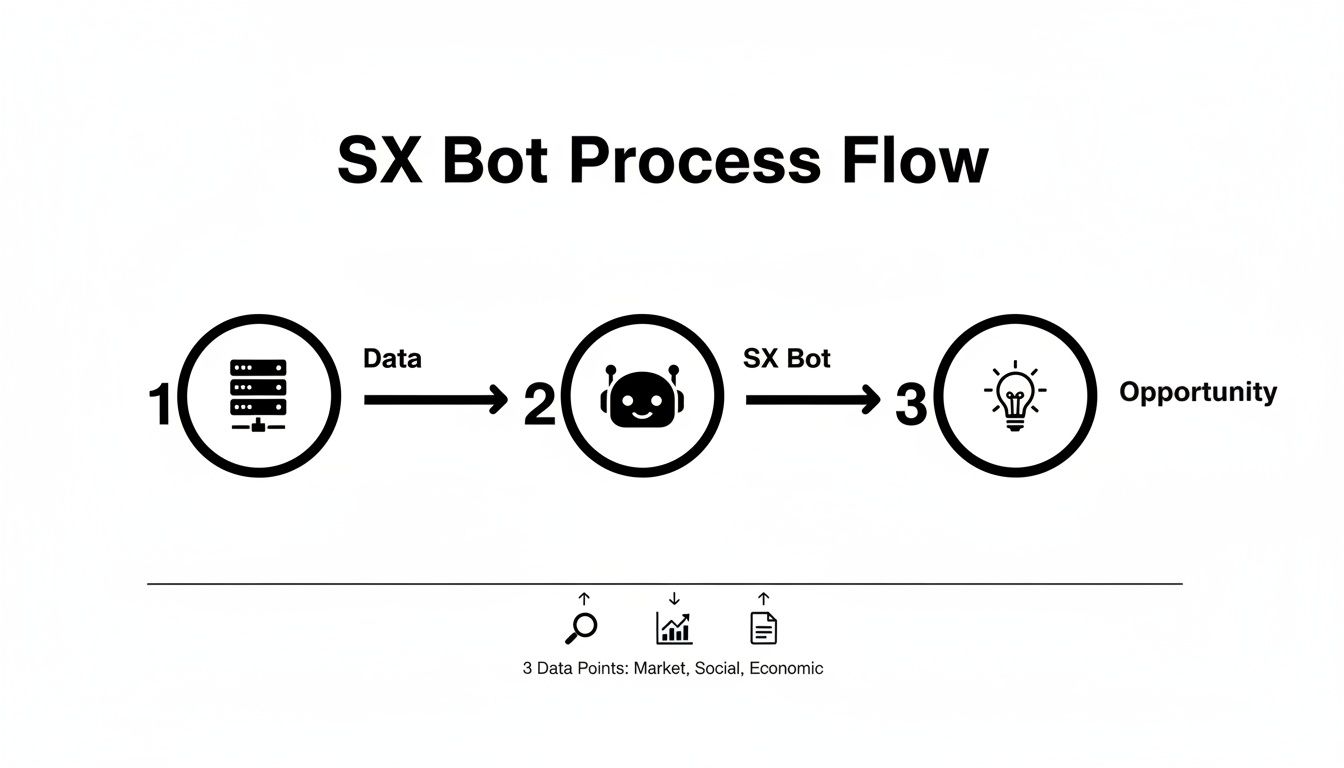
It’s a pretty slick flow: the bot sifts through blockchain activity and delivers distilled insights right into your channels, helping you spot potential trades before the crowd.
Understanding Required Permissions
When you authorize the SX Bot, you’re giving it a specific toolkit to work with. Every permission is there for a reason—to deliver the alerts you need.
Here’s a quick rundown of what you’re approving and why:
| Permission | Why It's Needed |
|---|---|
| Send Messages | The most fundamental permission. The bot needs it to post alerts in your channels. |
| Embed Links | Absolutely necessary for the bot to include clickable links to transactions or markets. |
| Read Message History | Allows the bot to understand your commands and avoid spamming duplicate alerts. |
| Manage Channels | Lets the bot create dedicated alert channels, keeping your server organized. |
Start tracking smart money today
Join thousands of traders using WalletFinder.ai to find profitable wallets and copy their trades.
Start Free Trial →

