
Google Portfolio Tracker: A Complete 2026 Guide
Build your own Google portfolio tracker with Google Finance and Sheets. Learn step-by-step setup for stocks & crypto, and see when to use Wallet Finder.ai.
Your investing life probably looks more fragmented than you want to admit.
A brokerage account holds your stocks and ETFs. A crypto exchange holds your majors. A browser wallet holds the trades you care about. Then there’s a spreadsheet that started as a clean tracker and slowly turned into a patchwork of manual entries, broken formulas, and stale token prices.
That’s why the google portfolio tracker is still one of the first tools I recommend. It’s free, fast to start, and quite useful for traditional assets. If you own listed stocks, ETFs, mutual funds, and a handful of large crypto names, Google’s tools can give you a workable control panel without much setup.
But there’s a breaking point.
The moment your portfolio includes active DeFi positions, newer tokens, multiple wallets, or cross-chain activity, Google stops being a complete tracker and becomes a partial one. It still helps. It just stops telling the whole truth.
The Modern Investor's Portfolio Puzzle
Monday morning often starts with three different numbers for the same portfolio.
The broker shows one return figure. The exchange shows another. Your wallet activity tells a third story once staking rewards, LP positions, bridge transfers, and token swaps are counted correctly. That mismatch is the core portfolio puzzle. The problem is not access to data. The problem is that each system measures a different version of reality.
Google usually becomes the first place investors try to fix that. Google Finance is quick for a clean snapshot. Google Sheets gives you room to build your own allocation views, cost basis logic, and performance tracking. For stocks, ETFs, and other standard tickers, that approach offers significant utility and is often good enough.
Crypto changes the standard.
A portfolio with BTC, ETH, and a few liquid large-cap tokens can still fit inside Google's world reasonably well. A portfolio that includes wallet-based activity cannot. The moment assets depend on token addresses, smart contracts, validator rewards, LP receipts, or positions spread across multiple chains, a Google portfolio tracker starts drifting away from the book of record.
That breaking point tends to show up in a familiar sequence:
- Stage one: Listed assets track cleanly and the dashboard feels reliable.
- Stage two: Major crypto holdings get added and the sheet still looks under control.
- Stage three: A wallet with staking, farming, airdrops, and smaller on-chain trades enters the mix.
- Stage four: Holdings are only partially priced, transfers get treated like buys or sells, and performance becomes an approximation.
I use Google tools for what they do well. They are fast, flexible, and free. But serious crypto traders need more than a neat dashboard. They need wallet-level accounting that follows the chain itself. Without that, PnL, exposure, and position sizing can all be wrong at the exact moment precision matters.
Understanding Your Two Google Tracker Options
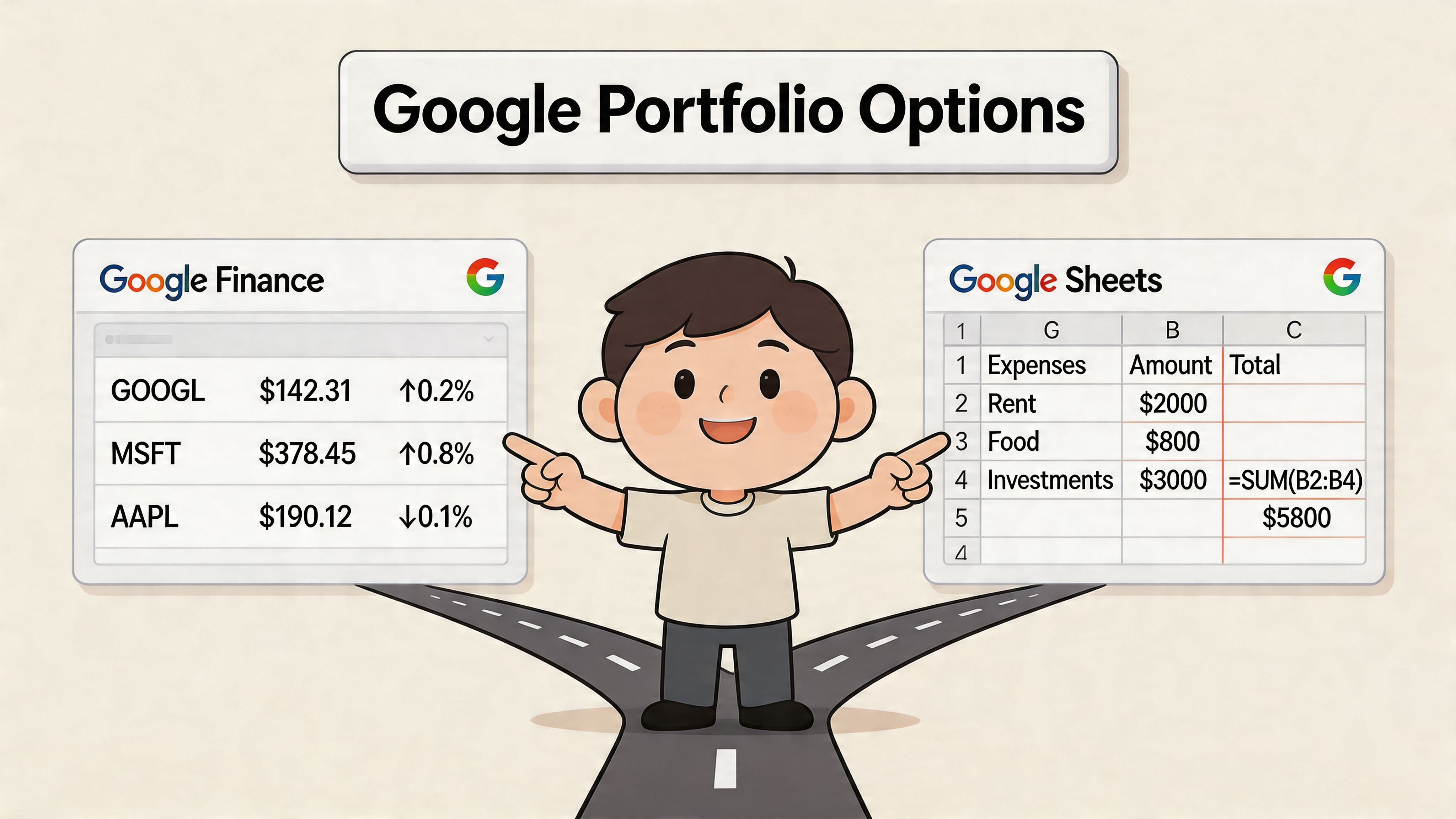
Google offers two distinct portfolio tracking tools. The difference matters more than it first appears, especially if part of your book includes crypto.
One option is the native Google Finance portfolio. The other is a custom tracker built in Google Sheets. They solve different problems, and the right starting point depends on how much control you need over pricing, performance math, and position-level detail.
Google Finance for fast visibility
Google Finance is the faster setup. Add holdings, enter transaction details, and the portfolio view calculates current value, 1-day return, and total return. Google documents those portfolio metrics in Google’s portfolio help page.
That makes it a practical fit for:
- Quick monitoring of market value and daily movement
- Standard portfolios built around stocks, ETFs, and other listed instruments
- Clean cost basis records where you want output without building formulas yourself
The trade-off is rigidity. You get Google’s view of the portfolio, not your own accounting logic. For a conventional brokerage account, that is often fine. For a mixed portfolio with crypto, it starts to feel thin quickly.
Google Sheets for control
Google Sheets gives you a blank framework instead of a finished portfolio screen. You can pull market data with =GOOGLEFINANCE("Ticker","price"), organize holdings your own way, and calculate metrics that match your process instead of Google’s defaults.
That extra control is useful if you track:
- Allocation and exposure by sector, sleeve, or strategy
- Custom return logic based on average cost, realized gains, or target weights
- Mixed asset lists that combine equities with major crypto tickers
- Watchlists and alerts tied to your own thresholds
The cost is maintenance. Every custom column improves the tracker, but every formula also becomes one more thing to audit when prices fail to refresh, symbols change, or imports break.
| Tool | Best use | Main limit |
|---|---|---|
| Google Finance UI | Fast snapshot of holdings | Limited customization |
| Google Sheets | Custom analytics and formulas | More setup and maintenance |
Start tracking smart money today
Join thousands of traders using WalletFinder.ai to find profitable wallets and copy their trades.
Start Free Trial →

