
Best Crypto Widget Windows Apps for 2026
Discover the best crypto widget windows solutions for 2026. Track live prices, portfolios, & dashboards with our top 10 app guide. Get started!
You're probably doing this right now. A browser tab is open to an exchange, another tab is on TradingView, and every few minutes you alt-tab just to check whether BTC moved enough to matter. That routine works for a while, but it breaks concentration fast, especially if you're also working, researching wallets, or managing a watchlist across several coins.
A good crypto widget for Windows fixes that. It keeps price action visible without forcing you into full chart mode all day. The best ones don't just show a number. They fit the way you trade, whether that means a tiny edge ticker, a floating tile on a second monitor, or a desktop layout that combines prices, mini charts, alerts, and portfolio views.
Windows has become much better for this use case. An open-source desklet project advertises support for more than 1,500 coins and daily percent change display, while older taskbar-style tools helped normalize the idea of live crypto prices sitting directly on the desktop instead of hidden behind an exchange tab. That shift matters if you watch intraday volatility and short-term momentum.
Not every widget deserves space on your screen, though. Some are too noisy. Some are flexible but fragile. Some are clean until you realize they don't handle alerts, privacy, or layout persistence well. These are the Windows crypto widgets I'd consider installing.
Check the built-in Windows widget first
Before installing anything, it's worth knowing Windows already ships with something close to this out of the box.
Windows 11 includes an MSN Markets widget inside the Widgets Board, opened with Win+W or the small icon on the taskbar. It shows a curated list of assets by default, including major stock indices and popular cryptocurrencies like Bitcoin and Ethereum, and you can add more tickers through the widget's customize menu. There's also a Watch List pane inside the same board that lets you track a more personal list, though it still lives inside the panel rather than on the desktop itself.
This won't replace anything on the list below if you want multiple coins visible at once, a sparkline chart, or percentage change displayed prominently. But if you're in a corporate environment where installing third-party software is restricted, or you just want to confirm this covers your needs before adding another app to your machine, it's worth checking first. For altcoins or smaller tokens beyond the curated default list, the third-party options below still do more, but starting here costs nothing and takes under a minute.
1. DeskPulse
DeskPulse is the one I'd pick if you want a floating crypto price tile and nothing extra. That sounds limiting, but for a lot of traders it's exactly right. You don't always need a portfolio suite on your desktop. Sometimes you just need BTC, ETH, and one or two watchlist names in view all day without giving another app too much real estate.
The product leans hard into a narrow use case. Persistent display, quick glanceability, and no pressure to connect wallets or exchange accounts. I like that philosophy because account linking in desktop widgets often creates more friction than value.
Where DeskPulse works best
DeskPulse makes sense on a work machine, a side monitor, or a compact trading setup where every on-screen element has to earn its place. Mini mode is the right choice if you only care about price and direction. Full mode is better when you want a little more context but still don't want a charting app clone sitting over your desktop.
Practical rule: If a widget makes you stare at it, it's not helping. A good one should support a glance, then get out of the way.
A few strengths stand out:
- Focused interface: It behaves like a purpose-built price panel, not a bloated dashboard.
- Open-source posture: When a desktop finance app says it's privacy-first and keeps its code visible, that matters more than flashy skinning options.
- Useful for portfolio-light traders: If you already track holdings elsewhere, a clean price widget is often enough.
If your main need is portfolio aggregation, DeskPulse will feel too thin. You'll likely want something paired with a dedicated tracker like this guide to the best app for tracking crypto portfolio. But if you judge tools by how little they interfere with the rest of your setup, DeskPulse gets a lot right.
Use DeskPulse if you want a clean crypto widget Windows traders can leave open all day without turning the desktop into noise.
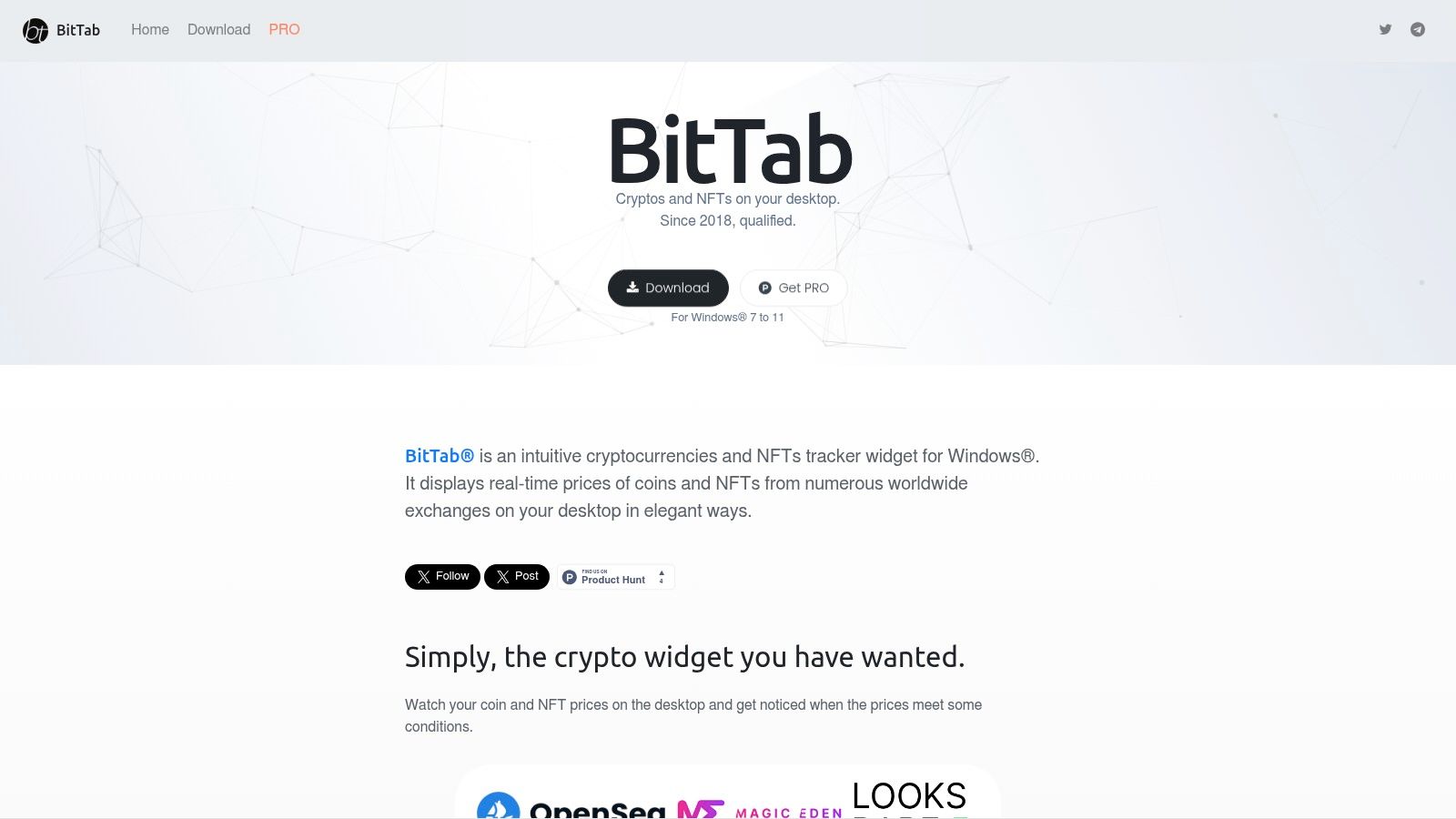
2. BitTab
Start tracking smart money today
Join thousands of traders using WalletFinder.ai to find profitable wallets and copy their trades.
Start Free Trial →

