
Top 10 Coin Scanner App for Android in 2026
Find the best coin scanner app for Android. Our 2026 guide compares top apps for identifying coins, checking values, and managing your collection.
You’ve probably got a jar of mixed change, a small inherited album, or a handful of coins from travel and you want one simple answer. What is this coin, and is it worth keeping? That’s exactly where a good coin scanner app for android helps. You snap a photo, get a likely match, and decide whether the coin belongs in a 2x2 holder, a binder page, or back in circulation.
The catch is that these apps don’t all solve the same problem. Some are fast visual identifiers. Some are better as research tools after you already know the type. Some are strongest with slabbed, certified coins. Others try to estimate value, but value is where beginners get misled most often. A phone can suggest a type. It can’t replace careful grading, authentication, or market judgment for a serious coin.
That’s why the best setup usually isn’t one app. It’s a small stack. Use one app for quick photo ID, another to verify details, and an official grading app if the coin is certified. For raw coins, especially worn pieces, damaged pieces, and possible error coins, every app gets shakier. Even the polished ones can miss the exact variety when details are soft or lighting is poor.
Still, the category has become useful. Some Android apps now recognize enormous world-coin catalogs, while reference-heavy apps from grading companies give collectors far better follow-up data than old paper lookups ever could. If you’re new, that means less guesswork. If you already collect, it means faster triage when a mixed lot lands on your desk.
Below are the Android apps I’d personally consider, with the trade-offs that matter in real use instead of app-store hype.
1. Coinoscope
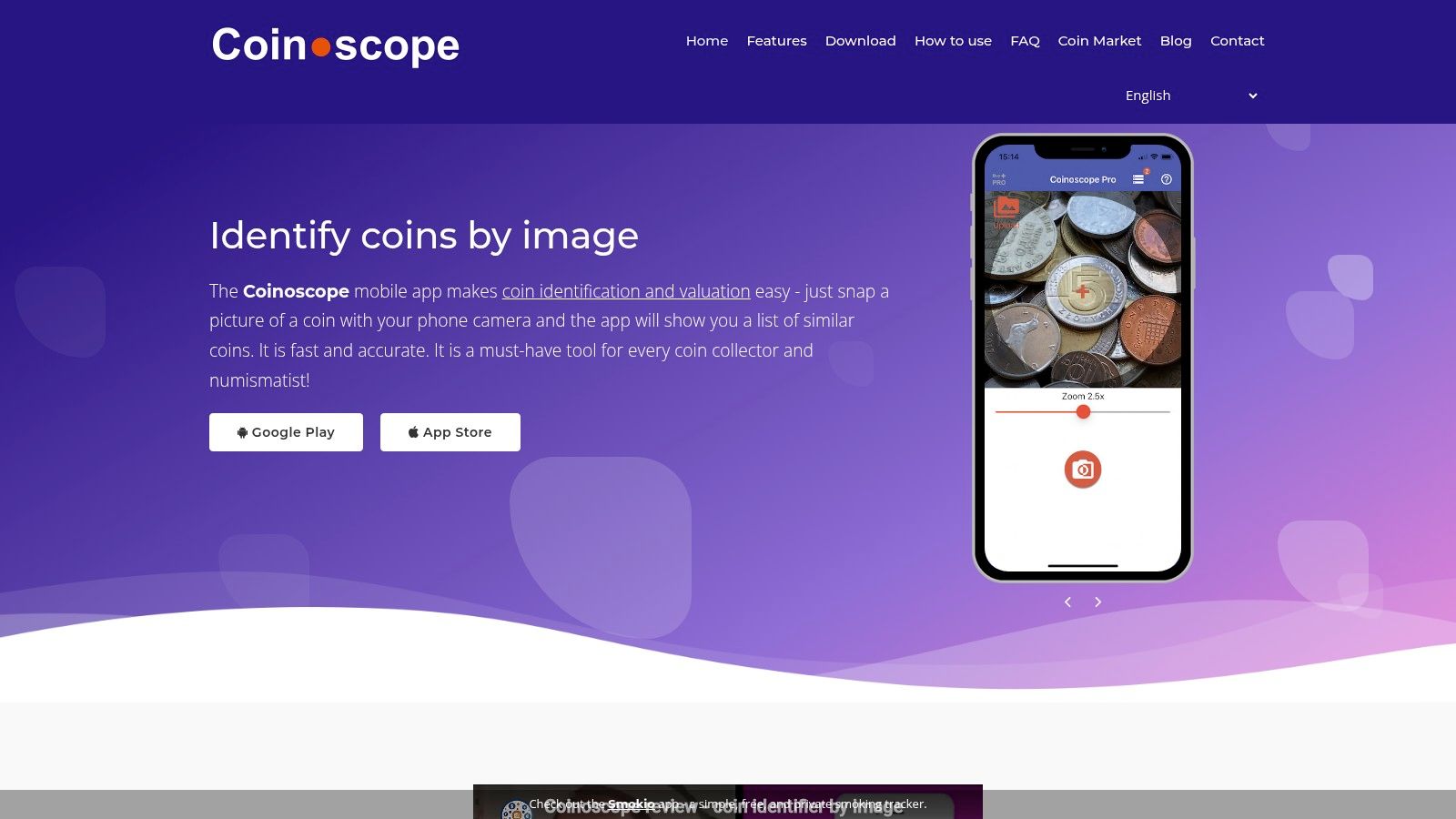
Coinoscope is one of the easiest places to start if your coins aren’t mostly modern U.S. material. It behaves like a visual search engine more than a formal grading tool. That’s a strength. You take a photo from the camera or gallery, and it returns similar-looking coins so you can narrow down country, type, and basic specifications without fighting a dense interface.
A lot of beginners do well with Coinoscope because it doesn’t assume much prior knowledge. It has broad world-coin usefulness, and the app has reached 1.7 million global users, which tells you it has already become a mainstream choice for quick visual identification.
Where Coinoscope works best
It shines when you need a fast first pass on mixed foreign coins, estate finds, travel coins, and loose bulk lots. The visual matching flow is also less intimidating than a reference-heavy app.
- Best use case: World coins with clear obverse and reverse details
- Helpful extra: Collection saving so you don’t rescan the same pieces
- Real limitation: Similarity matching can point you to the right neighborhood, but not always the exact variety
If you want a broader overview of similar tools, Wallet Finder.ai also has a practical guide to a coin finder app.
Practical rule: Treat Coinoscope’s value hints as directional. Use them to decide whether a coin deserves more research, not as a final sale price.
What tends to go wrong
Coinoscope is less dependable when the coin is worn, darkly toned, scratched, or poorly lit. That’s not unique to Coinoscope, but visual-search apps feel it more because they rely so heavily on matching visible design elements.
I like it most as the first app I open, not the last. If it gets you to the right country and denomination quickly, it has done its job. If the coin might be scarce, unusual, or condition-sensitive, move to a stronger reference source before making any buying or selling decision.
For newcomers, that combination of speed, broad coverage, and low friction makes Coinoscope one of the better starting picks in the whole list.
2. CoinSnap – Coin Identifier
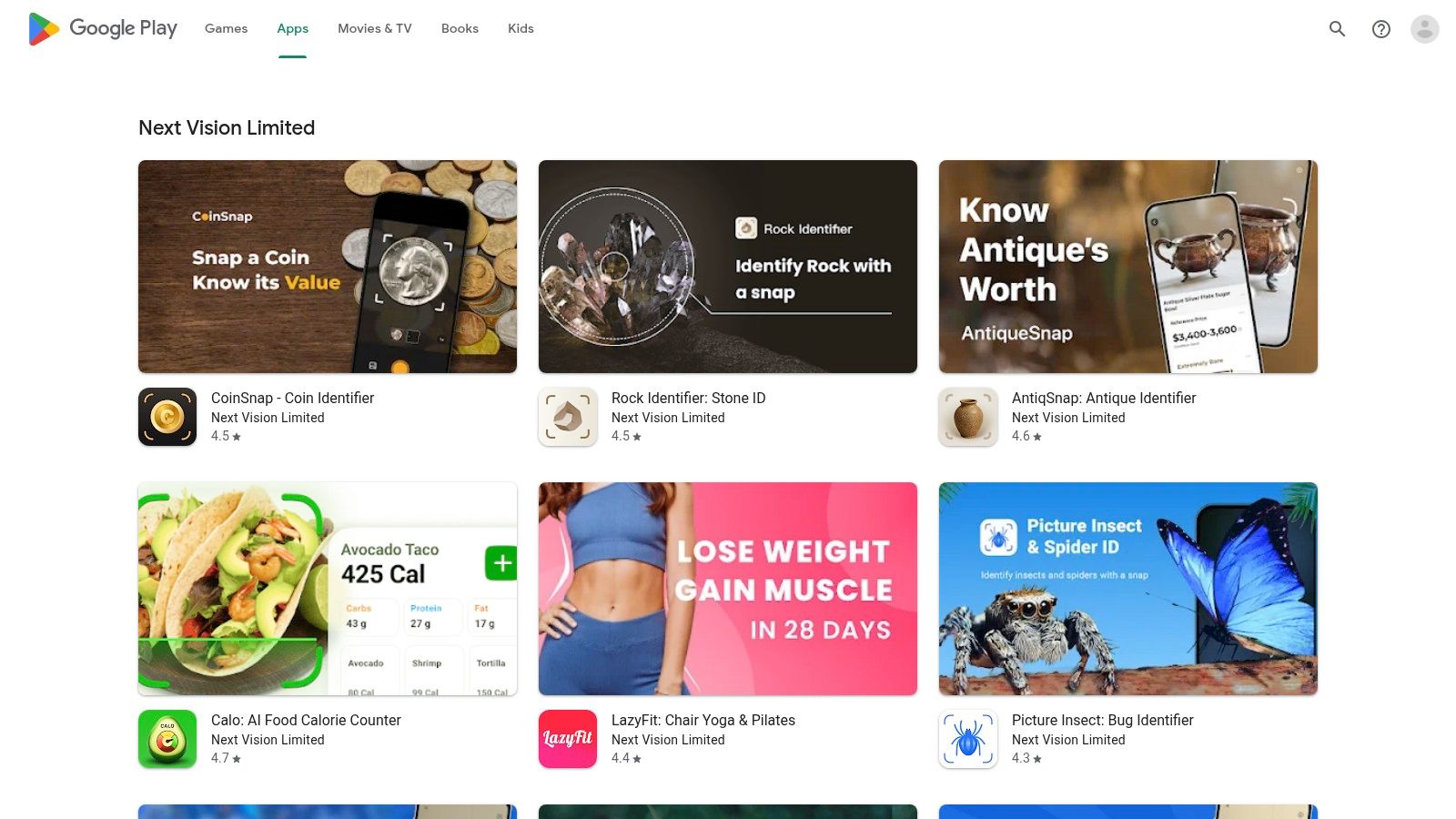
A common beginner situation looks like this. You have a tray of mixed coins from travel, old family jars, and a few pieces that might be silver. You do not want to study Krause catalogs before getting a basic answer. CoinSnap fits that moment well.
The app is built around quick photo identification and collection tracking, with broad world-coin coverage aimed at casual collectors and newcomers. In actual use, that makes it more useful for sorting and triage than for final attribution. I’d use it to separate ordinary coins from pieces that deserve closer research.
What CoinSnap does well is speed. The camera flow is easy, the results are presented in plain language, and the app gives newer collectors enough context to keep moving instead of stalling on terminology. That matters if you are processing a large inherited group or trying to identify non-U.S. coins without much reference knowledge.
Its strongest use cases are practical:
- Mixed world lots: Good for identifying coins from several countries in one sitting
- Beginner sorting: Helpful when you need a likely country, denomination, and date range fast
- Collection logging: Convenient for keeping a record of what you already checked
- Research triage: Useful for deciding which coins are common and which need a second opinion
The trade-off is accuracy at the edges. CoinSnap can get you to the right type quickly, but difficult coins still cause trouble. Worn details, weak strikes, altered surfaces, damage, and minor variety differences can all push the app toward a nearby match instead of the exact one. That is a normal weakness for camera-first identification tools, not a CoinSnap-only problem.
Value estimates need the most caution. A coin’s real market value can swing hard based on grade, mintmark, variety, cleaning, or whether the piece is even authentic. If the app flags something as rare or expensive, verify it before you buy, sell, or submit it anywhere.
I also would not use CoinSnap alone for specialty material. Tokens, ancient pieces, and erotic exonumia can confuse general-purpose scanners, so niche categories deserve a more focused reference. If that is your area, this guide to Spintria coins for sale and how collectors evaluate them is a better starting point than a broad scanner app.
For physical coin identification on Android, CoinSnap earns its place because it removes friction from the first stage of the job. It helps answer, “What am I probably looking at?” It does not replace a grading reference, a specialist catalog, or expert review. That distinction matters even more once people hear the phrase “coin scanner” and start thinking about crypto tools later in the article, where scanning means tracking digital assets rather than identifying a coin in your hand.
The developer’s Android portfolio is available on the Next Vision Limited Google Play page.
3. PCGS CoinFacts
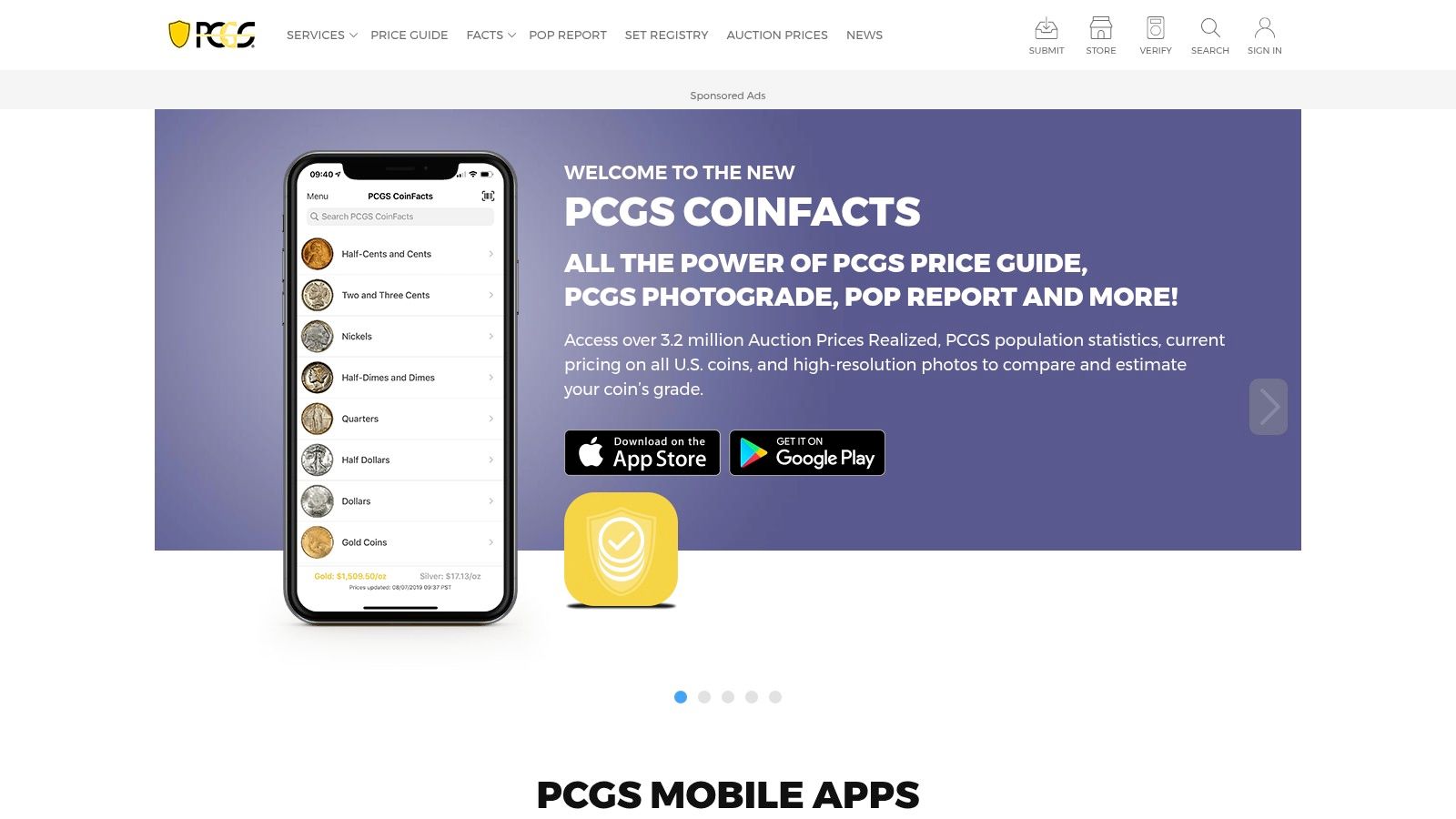
A common Android collecting workflow goes like this: a camera app gives you a likely match, then you need a reference that can confirm the date, mintmark, grade range, and market context before you trust that result. PCGS CoinFacts fits that second step well, especially for U.S. coins.
It works best as a research and verification app, not as a broad photo identifier for whatever turns up in a jar, estate lot, or mixed foreign accumulation. The strength is the PCGS reference material behind it. You can review issue details, compare images, check the PCGS Price Guide, and use Photograde-style visuals to judge whether your first guess holds up.
That matters because identification is only half the job.
If an app suggests a Morgan dollar, CoinFacts helps you check whether the surfaces, strike, and overall look are consistent with the date and grade you have in mind. For newer collectors, that is a practical way to stop trusting the first camera result too quickly. For experienced U.S. collectors, it is a fast field reference that reduces sloppy mistakes.
It is strongest in three situations:
- Confirming U.S. coin IDs: Good after a camera app or your own initial attribution
- Checking grade expectations: Useful visual references for common U.S. series
- Reviewing value context: Better for setting expectations than for making instant buy or sell decisions
There are limits. Raw world coins are outside its sweet spot, and specialty material needs specialty references. A collector working in niche areas such as Spintria coins for sale and niche ancient-related material will usually outgrow a U.S.-focused app quickly.
The trade-off is straightforward. PCGS CoinFacts gives you better depth on U.S. issues, but less flexibility if your collection is global, raw, or heavily exonumia-focused. That makes it less of a starter scanner and more of a bench reference you keep on your phone.
Used that way, it is one of the better Android tools in this list. It sharpens the physical-coin side of “coin scanning” by helping you verify what is in your hand before the article later shifts to crypto scanning, where the job changes from identifying metal to tracking digital assets.
You can access the app ecosystem through PCGS apps.
4. NGC App
The NGC App solves a different problem than most Android coin scanners. It’s less about identifying a raw coin from a casual snapshot and more about verifying a certified coin that’s already in an NGC holder. If you buy slabbed coins, especially from shows, online marketplaces, or local deals, that matters a lot.
For certified material, convenience is the entire point. You scan the barcode or certification information on the holder and check whether the coin matches NGC’s records. That’s much safer than relying on a seller’s description or a blurry listing photo.
Best use for the NGC App
This app is strongest when you’re handling slabbed coins in the field. You want quick confirmation, not a long research session.
Use it when:
- Buying certified coins: Verify that the slab data matches the coin in hand
- Checking populations: Look up census-style context for certified pieces
- Reviewing official info: Use NGC’s own records instead of marketplace claims
That official-data angle is why many collectors keep both PCGS and NGC apps on their phones. They cover different certification ecosystems, and each one is most useful inside its own lane.
What it won’t do well
If you inherited a box of raw world coins, this isn’t your first app. It won’t replace a photo identifier for loose, uncertified material. It’s also less helpful if the coin has never been slabbed by NGC.
Still, for anyone who buys graded coins, the NGC App belongs on the short list. Verification is one of those habits that feels optional until the day it saves you from a bad purchase.
Certified coins are easier to trust when the holder and the database agree.
That single step can prevent a lot of beginner mistakes. It also makes the app useful even for experienced collectors who already know the series well.
You can find the official platform through NGC.
5. Maktun Coin and Note Search

A common beginner problem is simple. The box on the table does not hold just coins. It also has a few old notes, some foreign pieces, and enough variation that coin-only apps start to feel narrow. Maktun makes more sense in that situation than in a single-series U.S. collection.
Its appeal is breadth. Maktun handles both coins and banknotes, and that matters if you collect world material or inherited a mixed group that needs sorting before it needs pricing. I would use it as an identification and cataloging tool first, especially for international items that do not fit neatly into the U.S. grading-app workflow.
Why Maktun earns a spot
Maktun is strongest once the collection gets messy in a real-world way. Different countries, different eras, different formats.
It does a few jobs well:
- Coins and notes in one app: Useful if your collection crosses between numismatics and paper money
- Broad world coverage: Better suited to international material than many polished beginner scanners
- Collection organization: Handy for logging what you own and keeping a shareable inventory
That practical range is the main reason to keep it on an Android phone. Some apps on this list are better at fast visual guesses. Maktun is better when you need to sort, record, and keep track of a mixed collection over time.
Trade-offs to expect
The interface is functional. It is not the smoothest app here, and new users may need a little patience before the workflow feels natural. For experienced collectors, that is often an acceptable trade. A plain layout is easier to forgive if the catalog helps identify material that other apps miss.
Pricing is the other area where restraint matters. Maktun can point you in the right direction, but market value still depends on grade, damage, cleaning, rarity within the specific variety, and current demand. The app helps you identify what you have. It does not replace sold listings, dealer comparisons, or specialist references.
Maktun also hints at the bigger point behind this article. Physical coin scanning and digital coin scanning are completely different jobs. Maktun belongs in the first category. It helps identify tangible collectibles you can hold, sort, and store. Later in the article, the focus shifts to crypto coin scanning, where the goal is tracking digital assets and market activity instead of attributing a coin or note from a photo.
The official product site is Maktun.
6. Numiis
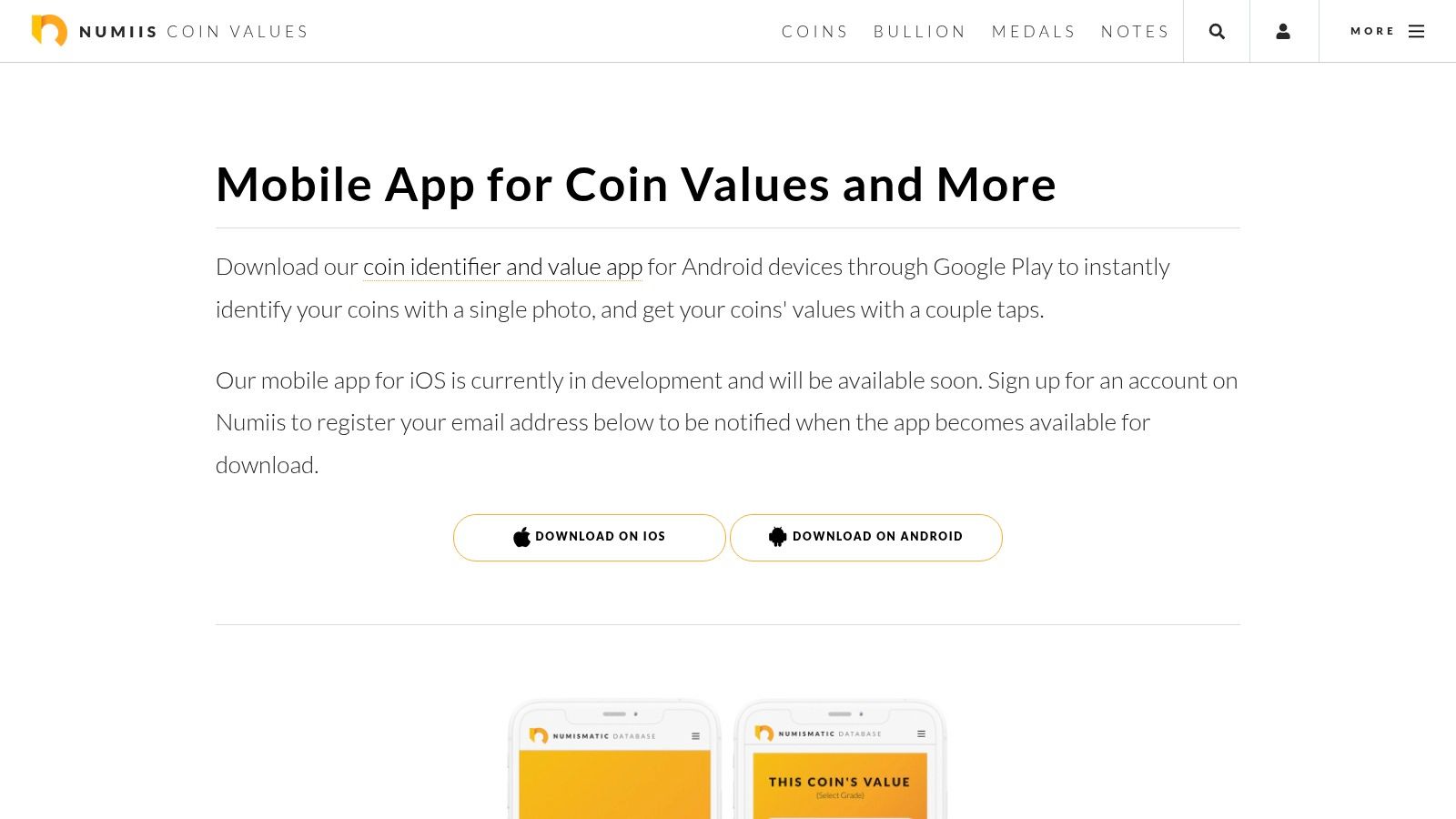
Numiis is built around a simple promise. Take a picture, get an identification, and see a value-oriented result quickly. That sounds similar to several apps on this list, but Numiis leans into a clean mobile-first flow that many beginners prefer over research-heavy screens.
I’d place it in the “good for ballparking” category. That’s not a criticism. Ballparking is useful. If you’ve got a tray of unidentified coins and want to know which ones deserve sleeves, flips, or deeper checking, a fast workflow matters.
Where Numiis fits
Numiis works well when speed matters more than detailed attribution. It’s a triage tool.
That makes it handy for:
- Quick household sorting: Separate obvious common pieces from coins worth researching
- Beginner collections: Get comfortable with identification before learning catalogs
- Cross-device access: Useful if you like checking finds from phone and web
Where it can mislead
Valuation is always the pressure point. Two coins with the same date and type can land very differently in the market if the condition is different, if one is cleaned, or if the strike quality changes how collectors see it.
So I’d use Numiis this way: trust it to suggest a likely identity, use it to decide whether the coin is ordinary or interesting, then verify anything that looks important. That habit keeps fast apps helpful instead of expensive.
Don’t ask a mobile scanner to settle a grading argument. Ask it to help you decide whether the coin deserves one.
That mindset makes Numiis more valuable. It stays in its lane and speeds up early sorting, especially for people who don’t want a dense numismatic reference app as their first stop.
You can explore the platform on the Numiis app page.
7. HeritCoin
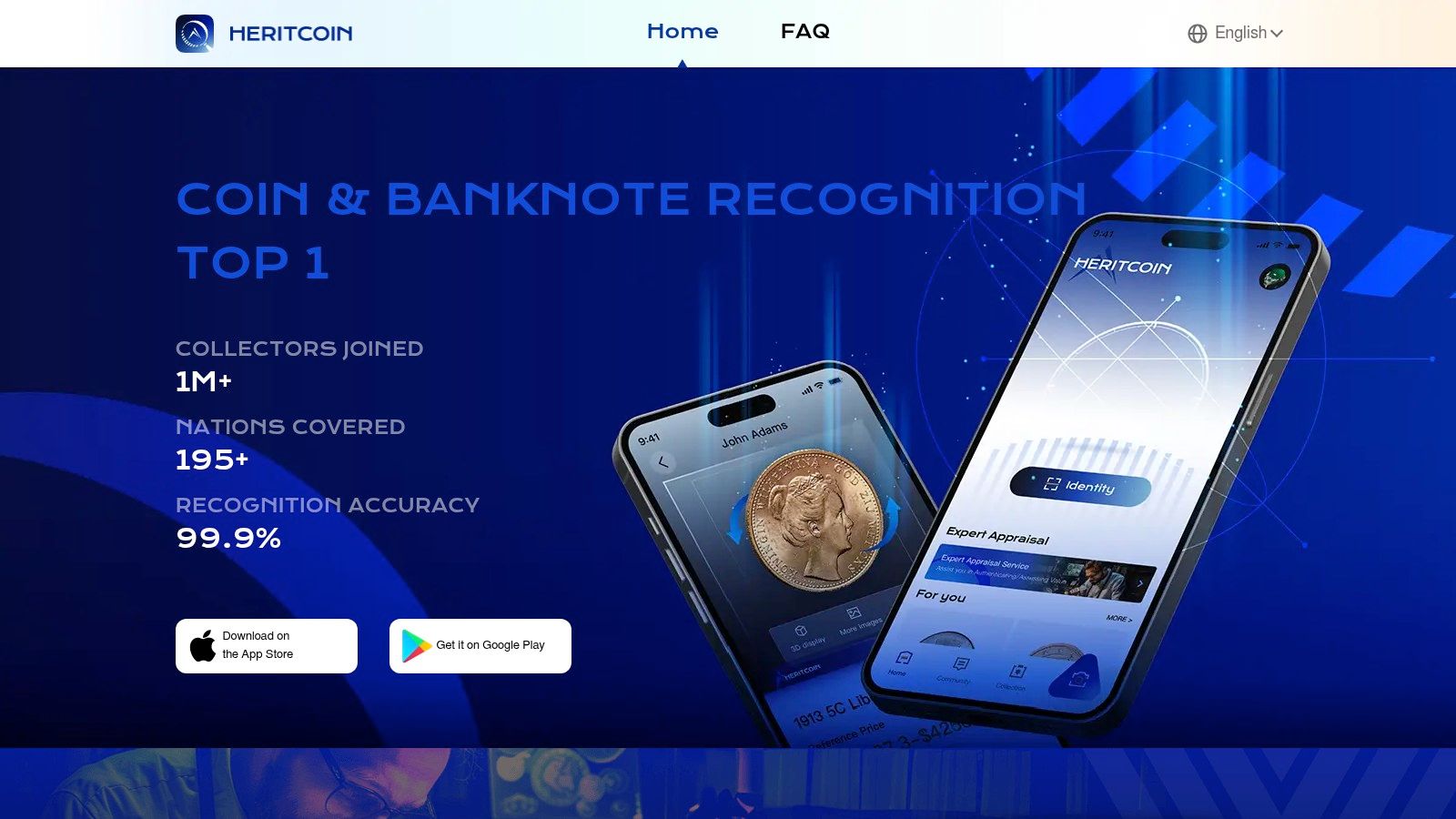
HeritCoin feels like a newer-generation AI app. The appeal is obvious. Clean interface, mobile-native flow, broad geographic ambition, and little friction to try it. For a lot of Android users, that’s enough reason to test it beside the more established names.
The practical question with newer apps is never whether they can identify easy coins. Most can. The question is whether they hold up once the coins get less obvious. That’s where smaller track records matter.
Who should try HeritCoin
I’d suggest HeritCoin to collectors who want an updated AI-first experience and aren’t relying on one app alone. It’s a useful addition if you like comparing two quick scanner opinions before moving to a reference source.
It’s a reasonable fit for:
- Casual collectors: Clean workflow for common world and U.S. pieces
- Cross-geography scanning: Helpful if your collection isn’t tied to one country
- Collection organization: Good for saving and revisiting finds
Best way to use it
Use HeritCoin as a second opinion app. If Coinoscope or CoinSnap gives one result and HeritCoin points in the same direction, your confidence improves. If the apps disagree, that’s your signal to slow down and verify manually.
That’s the trade-off with newer brands. Sometimes they feel fresher than older apps, but they haven’t earned the same level of collector trust over time. That doesn’t make them bad. It just changes how much weight you should put on any one result.
I wouldn’t dismiss HeritCoin. I just wouldn’t let it make expensive decisions for me. For everyday identification and collection logging, though, it’s a credible tool to keep in the mix.
The official site is HeritCoin.
8. Coin ID Scanner

Coin ID Scanner is one of those apps that’s easiest to understand once you accept what it is. It’s a simple cloud-driven recognizer with a straightforward capture flow. Take obverse and reverse photos, send them for recognition, get a likely type and a value estimate, then decide whether to keep digging.
That simplicity is a plus. Some collectors don’t want a big database interface. They want a clean capture experience and a usable answer on the phone.
What I like about this style of app
The clearer an app is about its limitations, the better. Coin ID Scanner is useful partly because this style of tool makes it obvious that image recognition works best with a good connection and clear photos.
In practical terms:
- Easy test run: Fast way to check if a coin is common or worth another look
- Guided image capture: Helpful for beginners who don’t know what details matter
- Network honesty: Better when apps don’t pretend cloud recognition is offline magic
What you should not assume
Don’t assume depth. Database coverage and valuation quality can vary a lot among apps in this segment. A clean app experience isn’t the same as authoritative numismatic depth.
This becomes especially important if you think the coin might be scarce, altered, or a variety that collectors pay up for. Generic scanner apps often flatten those distinctions.
If you use Coin ID Scanner with the right expectation, it can be useful. I’d keep it in the “quick capture, quick clue” role. It isn’t the app I’d trust to settle a meaningful value question, but it can absolutely help you decide what deserves stronger verification.
You can review the official platform at Coin ID Scanner.
9. Coin Value
Coin Value is aimed squarely at beginners who want quick answers and collection organization in one place. The naming tells you the focus right away. It wants to help identify coins and give a simple sense of worth without forcing the user into deeper catalog work.
That makes it easy to recommend cautiously. If you’re new, convenience matters. If you’re experienced, you already know convenience can blur important distinctions.
Good fit for everyday use
Coin Value is most useful for low-stakes sorting. Pull coins from a jar, a family box, or a flea-market lot, run a few scans, and separate obvious common material from anything that deserves a flip and a closer look.
It tends to work best for:
- Common types: Everyday identification of familiar modern coins
- Basic organization: Keeping track of what you’ve already scanned
- Low-friction trial: Easy entry point for non-specialists
Where the caution comes in
The usual warning applies, but it matters enough to repeat in different words. Value estimates are not sale results. A scanner can’t fully judge market eye appeal, cleaning, authenticity, or whether a tiny mintmark detail changes the whole story.
Apps in this category are good servants and bad masters. Let them speed up repetitive work. Don’t let them become your only authority.
If you’re helping a friend or relative sort through coins and want something approachable on Android, Coin Value is easy to try. For a serious purchase or sale, though, I’d always pair it with a stronger reference app or official certification lookup.
The Android listing is available on Coin Value by Marbles Labs.
10. CoinKnow
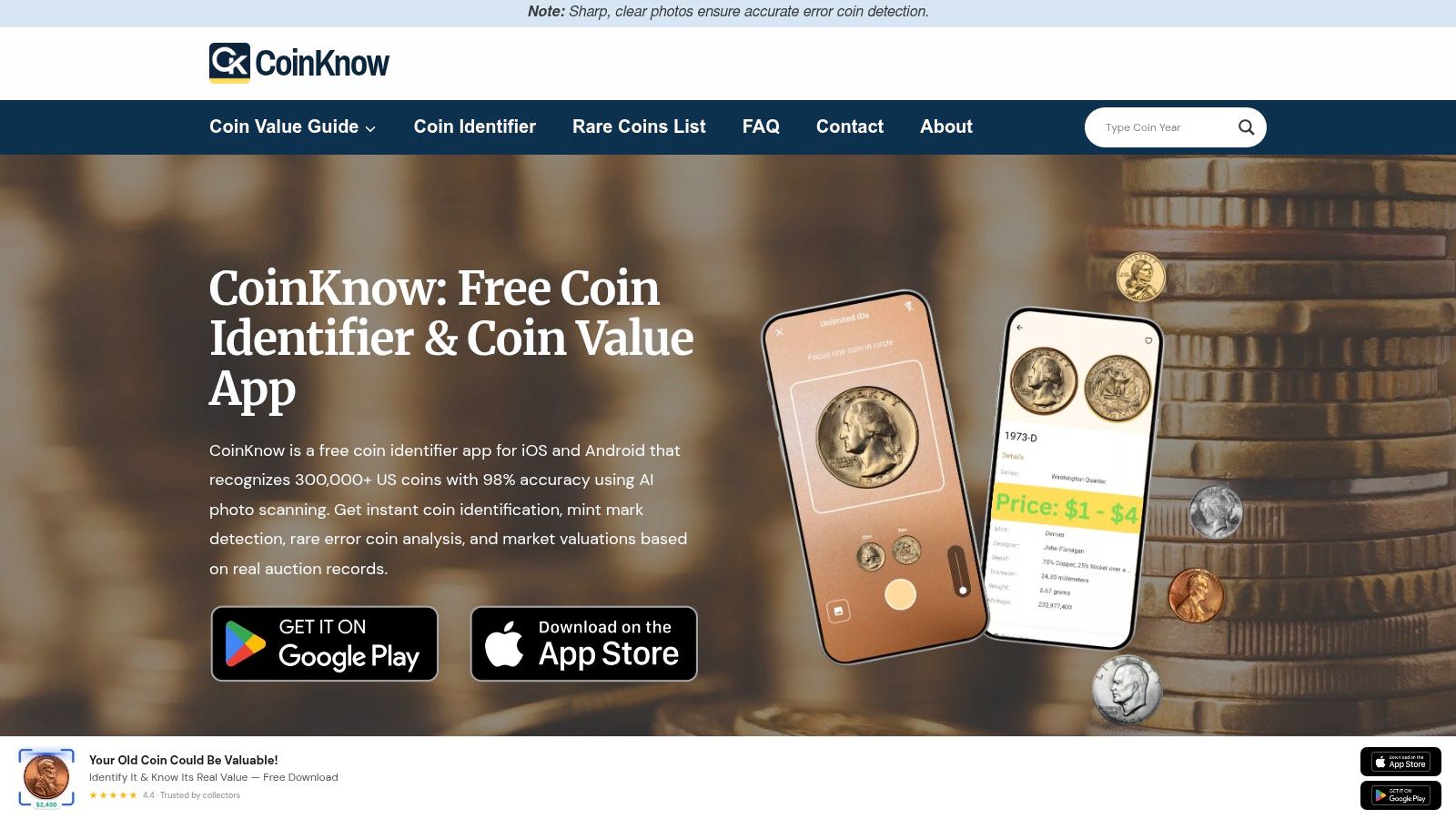
A common beginner scenario is a pile of quarters, cents, and nickels on the table, with no interest yet in world coins, tokens, or paper money. CoinKnow fits that job better than a broad catalog app because it stays close to familiar U.S. material and keeps the decision tree short.
That narrower scope matters in practice. A U.S.-only identifier usually has fewer lookalike branches to sort through, so it can get beginners to a likely match faster. It also means the app is best judged on ordinary American coins, not on how well it handles obscure types outside its lane.
Where CoinKnow makes sense
CoinKnow is a practical starting point for collectors who mainly search circulation finds and common U.S. series. I would use it for quick first-pass sorting, especially when the goal is to separate routine coins from pieces that deserve closer research.
It is a sensible fit for:
- New U.S. collectors: Less clutter and fewer irrelevant matches
- Change hunters: Better day-to-day use for cents, nickels, dimes, quarters, and dollar coins
- Casual household sorting: Fast checks before you move to stronger references
If you are also organizing jars of loose change rather than identifying collectible pieces, this guide to a coin counter app for Android and everyday sorting covers that separate use case.
What it does not solve
CoinKnow should not be your final word on grade, rarity, or value. Claims around fine grading precision sound good in app listings, but photo-based grading still breaks down fast when lighting is poor, wear is uneven, or the coin has been cleaned.
That trade-off is easy to miss at the beginner stage. The app feels confident, so the user feels confident. In actual collecting, the hard coins are exactly the ones that need a second source, especially better-date pieces, possible mint errors, and anything you might buy or sell at a meaningful price.
For that reason, I see CoinKnow as a convenience tool with a clear boundary. It helps with identification speed. It does not replace certification databases or specialist references.
The official website is CoinKnow.
Top 10 Android Coin Scanner Apps: Feature Comparison
| App | Core features | UX & Quality ★ | Value & Price 💰 | Target Audience 👥 | Unique Selling Points ✨🏆 |
|---|---|---|---|---|---|
| Coinoscope | AI photo ID; value estimate; My Collection; web companion | ★★★★, fast, beginner‑friendly; occasional misses | Free + optional premium 💰 | 👥 Beginners & casual identifiers | ✨ Visual search + helpful web FAQ |
| CoinSnap – Coin Identifier | AI image recognition; collection tools; regular updates | ★★★★, simple UX; high usage | Free + subscription for premium 💰 | 👥 Users who want actively maintained tools | ✨ Frequent updates; large install base |
| PCGS CoinFacts | Authoritative U.S. encyclopedia; prices; Photograde images | ★★★★★, industry‑standard reference | Free/paid features for advanced data 💰 | 👥 Serious U.S. collectors & researchers | 🏆 Authoritative data; Photograde comparison ✨ |
| NGC App | Scan NGC slab barcode; Census & price guide; research news | ★★★★, fast slab verification | Free official app 💰 | 👥 Buyers/verifiers of NGC‑certified coins | 🏆 Official grader verification; quick scans ✨ |
| Maktun: Coin & Note Search | Photo‑assisted ID for coins & banknotes; huge catalog; collection | ★★★★, broad coverage; utilitarian UI | Free + premium/catalog services 💰 | 👥 Mixed coin & banknote collectors | ✨ Massive catalog (300k+ coins, 160k+ notes) |
| Numiis – Coin Identifier & Values | Photo ID; value lookups; mobile/web apps | ★★★★, mobile‑first, quick lookups | Free + in‑app/premium options 💰 | 👥 Mobile users wanting ballpark values | ✨ Fast scan → info/value workflow |
| HeritCoin – AI Coin Identifier | AI photo ID; collection org; pricing cues | ★★★, newer; clean UI | Free to try; in‑app purchases 💰 | 👥 Users seeking updated AI experiences | ✨ Actively maintained; cross‑geography coverage |
| Coin ID Scanner | Obverse/reverse capture; cloud recognition; value checks | ★★★, simple workflow; transparent online needs | Free to test; ads/premium 💰 | 👥 Casual users wanting clear limitations | ✨ Transparent cloud/offline notes |
| Coin Value – Coin Identifier | Photo ID; light grading signals; collection features | ★★★, large userbase; ads in free tier | Free + ads; premium to remove ads 💰 | 👥 Beginners who try many IDs | ✨ Wide coverage for common types; frequent updates |
| CoinKnow – Coin Identifier | AI tuned for U.S. coins; cross‑platform; collection tools | ★★★★, guided UX for newcomers | Free + premium features 💰 | 👥 U.S. collectors & beginners | ✨ U.S.‑focused recognition for better accuracy |
Start tracking smart money today
Join thousands of traders using WalletFinder.ai to find profitable wallets and copy their trades.
Start Free Trial →

