
How to 3D Print a Coin in 2026
Ready to 3D print coin tokens? This guide offers actionable advice on design, printers, materials, and finishing for stunning results.
Before you can hold that custom coin in your hand, it first needs to exist as a digital file. This is the blueprint for your 3D printer, and getting it right is the most critical step. You have two main paths: designing the coin from scratch or finding a ready-made model online.
Designing Your Perfect Digital Coin
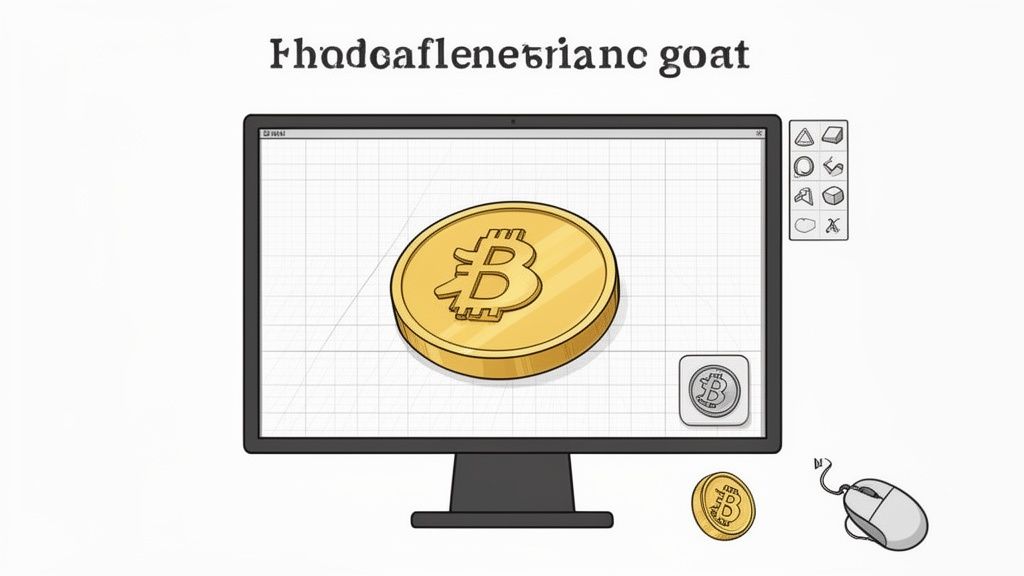
Every great 3D print starts with a solid digital model. Whether you're a seasoned designer or a total newcomer, creating or sourcing your coin model is where the magic begins. The route you take really just depends on your project goals and how much time you want to spend in front of a screen.
If you’re after a one-of-a-kind piece—maybe a personal challenge coin, a branded token for a new crypto project, or a unique game piece—designing it yourself is the way to go. It’s surprisingly rewarding, and you don’t need to be a CAD wizard to pull it off.
Creating Your First Coin Model: A Step-by-Step Guide
For anyone just getting started, my first recommendation is always Tinkercad. It’s a free, web-based tool that feels more like playing with digital LEGOs than wrestling with complex software. You simply drag, drop, and combine basic shapes to build up your design.
Here's a quick, actionable workflow to create a basic coin in Tinkercad:
- Create the Body: Drag a
Cylindershape onto the workplane. Set its dimensions to a standard coin size, like 38mm in diameter and 3mm in height. - Add a Rim: Copy the cylinder, increase its diameter slightly (e.g., to 38mm), decrease its height (e.g., to 2.5mm), and use the
Holefunction to subtract it from the center. This leaves a raised rim on both sides. - Import Your Logo: Find or create a simple logo and save it as an SVG file. Import this SVG into Tinkercad.
- Emboss the Details: Scale your imported logo and place it on the coin's face. Set its height to 0.5mm to create a raised, embossed detail that will print clearly.
- Export Your Model: Group all the shapes together and export the final design as an
.STLfile, ready for your slicer.
When you're designing, keep these tips in mind for a better final print:
- Emboss vs. Engrave: Raised details (embossed) almost always print cleaner than recessed ones (engraved) on standard 3D printers. For crisp text and logos, aim for a height of at least 0.4mm to 0.6mm.
- Coin Thickness: Nobody likes a flimsy coin. A base thickness between 2.5mm and 3mm gives it a satisfying weight and feel in your hand.
- Add a Rim: A raised rim around the edge isn't just for looks. It adds structural integrity and helps prevent the edges from lifting or warping on the print bed.
Sourcing Models Online
Don't have the time or desire to design your own? No problem. The web is packed with thousands of high-quality, ready-to-print coin models. This is a fantastic way to run a quick test on your printer or find a great starting point for a custom project.
Just remember that not all online files are created equal.
I have a simple rule: always check the comments and "makes" section on a model before downloading. Seeing that other people have successfully printed a file can save you hours of troubleshooting and a spool of wasted filament.
Here are the best places to find ready-to-print coin models:
- Thingiverse: The classic repository with a massive library, though quality can vary.
- Printables: A modern, well-organized site with a strong community and reward system.
- MyMiniFactory: Known for its curated, high-quality, and pre-tested models.
Look for files described as "manifold" or "watertight." This just means the 3D model is a solid, hole-free object that your slicing software will understand without errors.
Even if you download a model, you can still make it your own. Import the STL file into Tinkercad to add custom text, tweak the size, or mash it up with another design. If you're exploring how to turn digital assets into physical collectibles, our guide on the 3D printed coin shows just how powerful this bridge between worlds can be.
Choosing the Right Printer and Material
The final look and feel of your custom coin really hinge on the technology you use to bring it to life. This decision boils down to two main camps in the world of 3D printing: FDM (filament) and Resin.
Each has its place, and the best one for you depends entirely on what you're trying to achieve.
FDM printers, the ones that melt spools of plastic filament, are the workhorses of the hobbyist world. They're affordable, easy to get started with, and fantastic for a huge range of projects. But for something as small and detailed as a coin, they have one major drawback: layer lines. Those tiny ridges can easily swallow up the fine text or intricate patterns you worked so hard to design.
This is where resin printers shine. Instead of melting plastic, they use UV light to cure liquid resin layer by microscopic layer. The result? Incredibly sharp details and a surface so smooth it looks almost injection-molded right off the build plate. For a 3D printed coin where every tiny detail matters, resin is almost always the way to go.
FDM vs. Resin: A Quick Comparison for Coins
| Feature | FDM (Filament) | Resin (SLA/DLP) | Winner for Coins |
|---|---|---|---|
| Detail Quality | Good. Layer lines can obscure fine text. | Excellent. Captures microscopic details with a smooth finish. | Resin |
| Surface Finish | Textured, visible layer lines. | Very smooth, looks injection-molded. | Resin |
| Ease of Use | Simpler, less messy, minimal post-processing. | More involved: washing, curing, and handling chemicals required. | FDM |
| Cost Per Coin | Very Low. A $25 spool can make hundreds of coins. | Higher. A bottle of resin is more expensive and yields fewer prints. | FDM |
| Best For | Prototypes, large game tokens, budget projects. | Final display pieces, challenge coins, jewelry-like items. | Resin |
Start tracking smart money today
Join thousands of traders using WalletFinder.ai to find profitable wallets and copy their trades.
Start Free Trial →

